
What is Fernand?
Fernand is a modern customer support tool designed for SaaS — it’s fast, calm, and built to reduce the anxiety of answering support requests.How it works
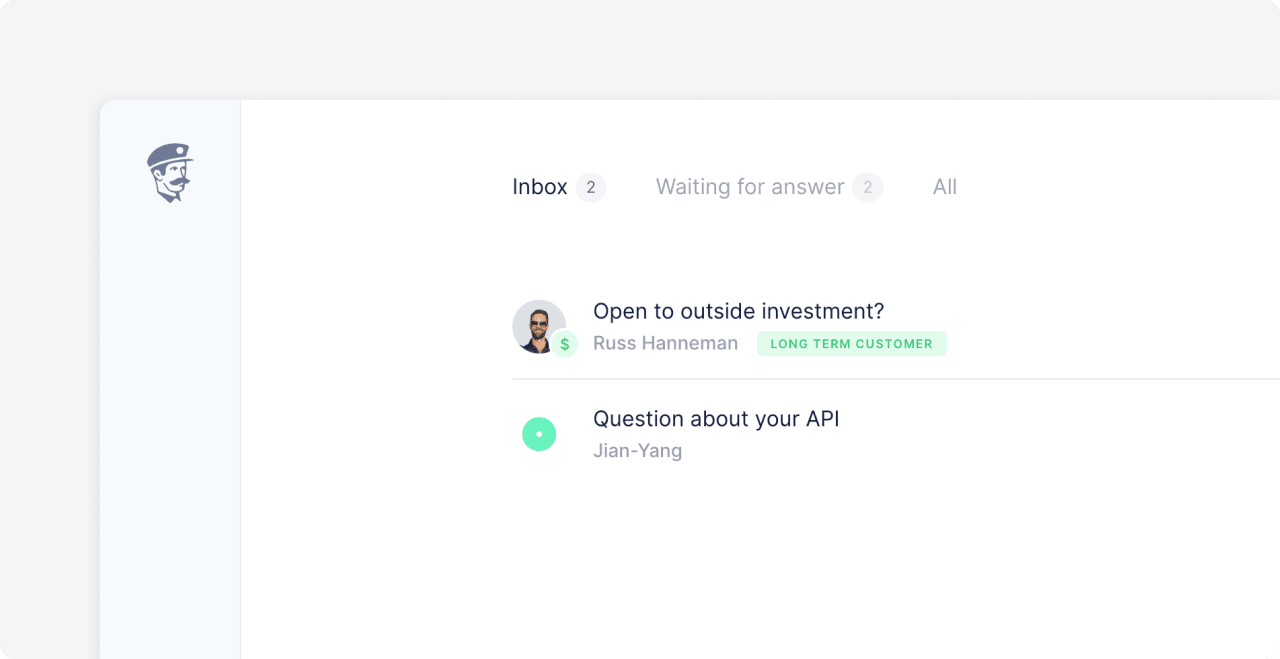
After connecting your Polar account to Fernand, you’ll be able to see customer payment information and product access details directly within each customer conversation. This enables you to:- Instantly verify if someone is an active customer
- Prioritize conversations from high-tier plans
- View product purchases and payment history in context
How to connect Fernand with Polar
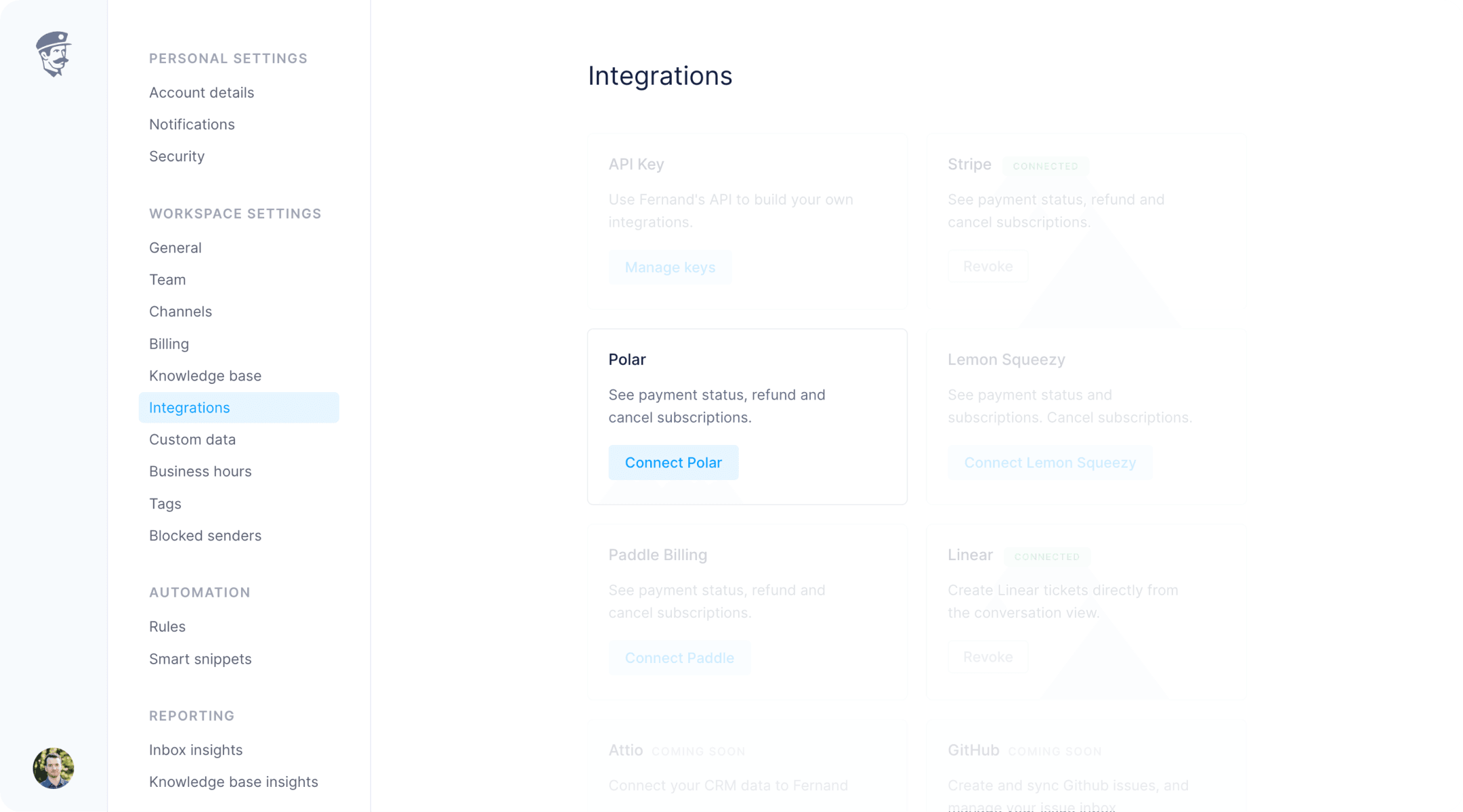
- Open Integrations in your Fernand organization settings.
- Click on Connect Polar.
- You’ll be redirected to Polar to authorize the connection.
- Once approved, Fernand will begin syncing customer data automatically.
How to automate your inbox with Polar data
Once Polar is connected, you can create automation rules in Fernand based on Polar data. Let’s walk through a basic example: auto-replying to all customers on yourPro plan.
Create a new rule
1
Create a new rule
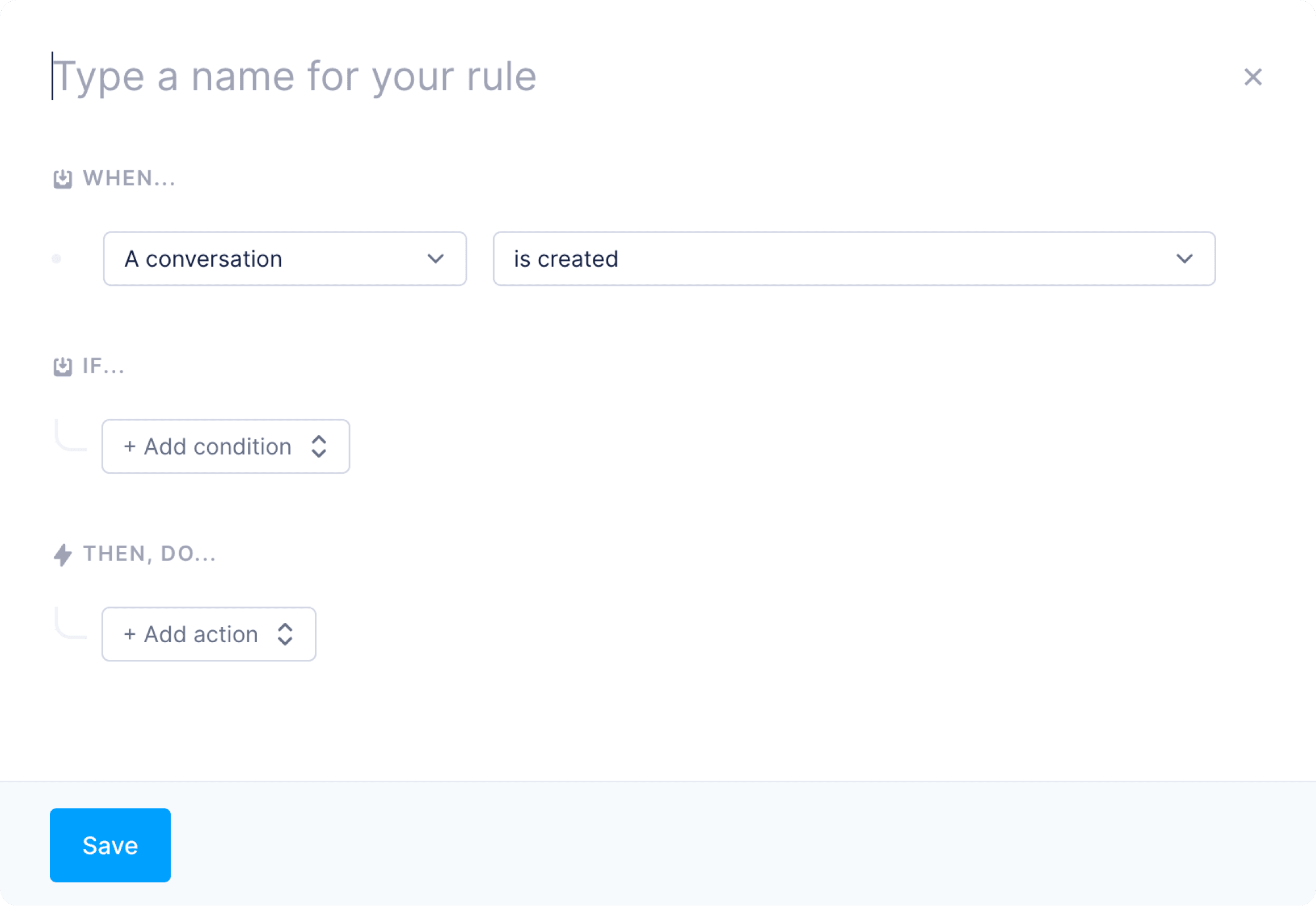
- Go to Rules in Fernand.
- Click
Add ruleand give it a descriptive name.
2
Select a trigger
This ensures the rule runs on each new customer message.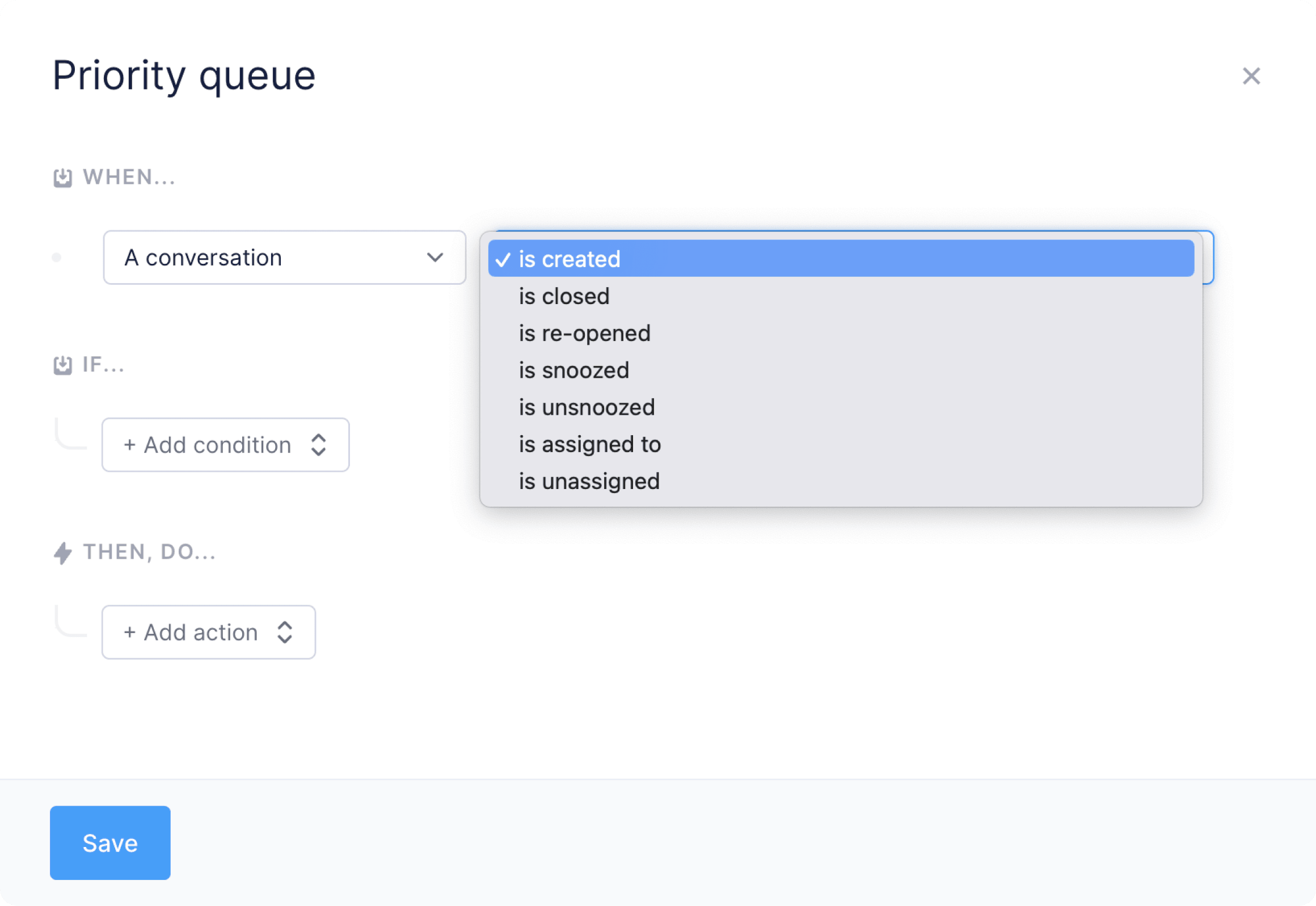
3
Select a condition
Now add a condition based on Polar data. For example: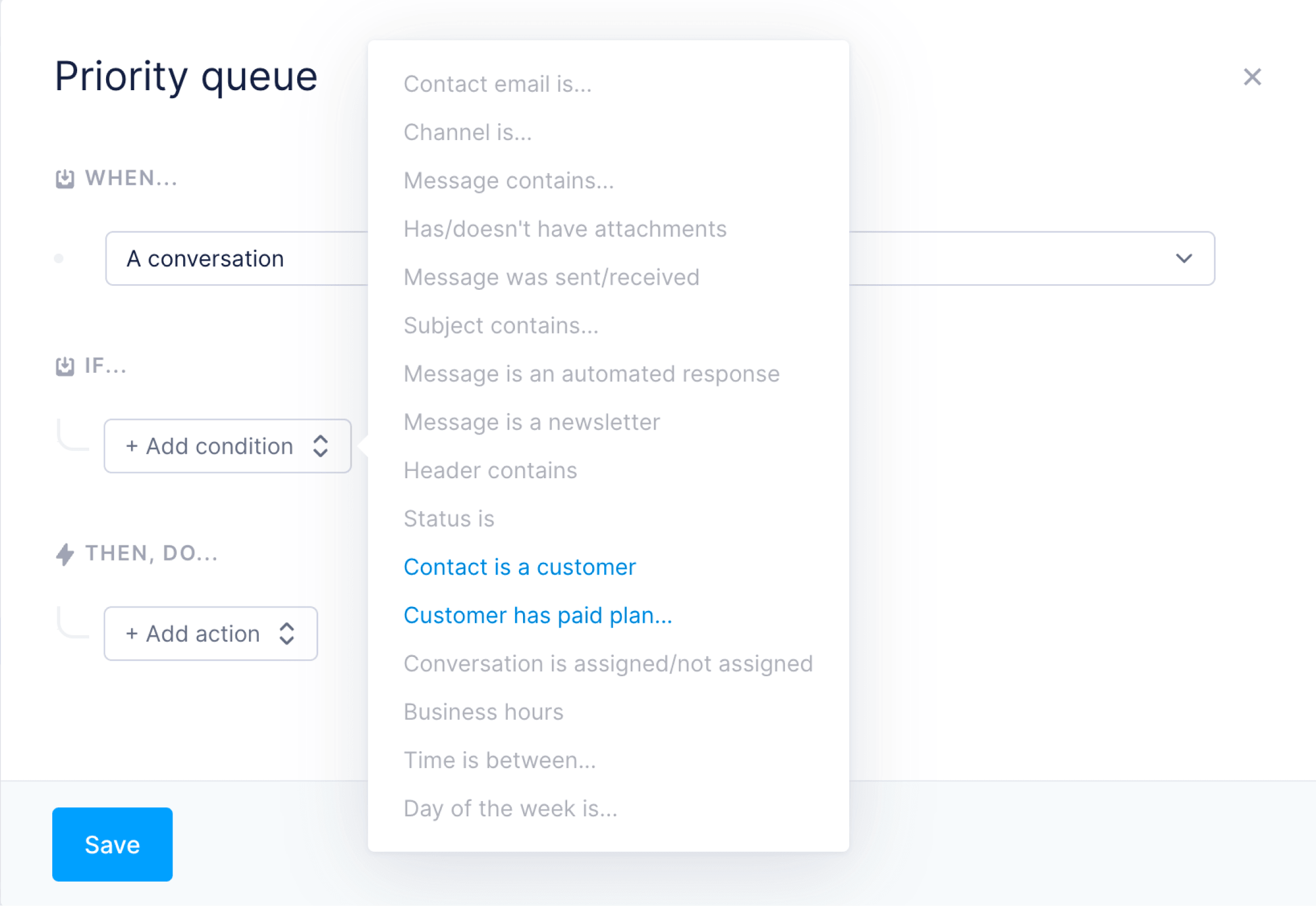
Contact is a customer...Contact has paid plan...
Pro, Business) or specific products to personalize support or automate prioritization.4
Select an action
Now define what happens when the rule matches. For example: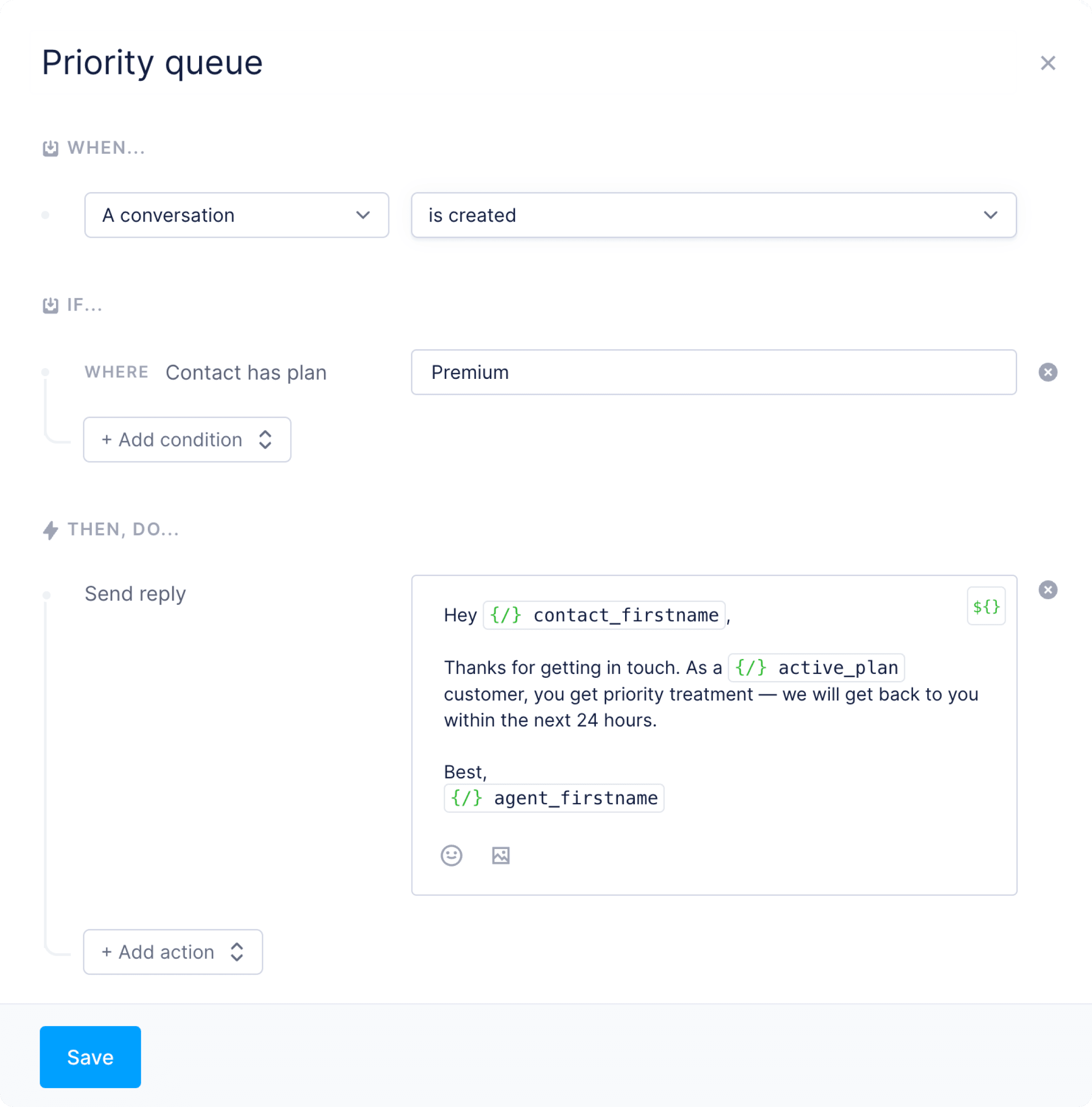
- Send an auto reply (with variables)
- Assign the conversation to a specific agent
- Tag the conversation with
priorityorpaid - Trigger a webhook for external automation
Disconnecting the integration
If you ever want to disconnect Polar from your Fernand workspace:1
Go to the Integrations page.
2
Click Disconnect next to Polar.