

What customers can do
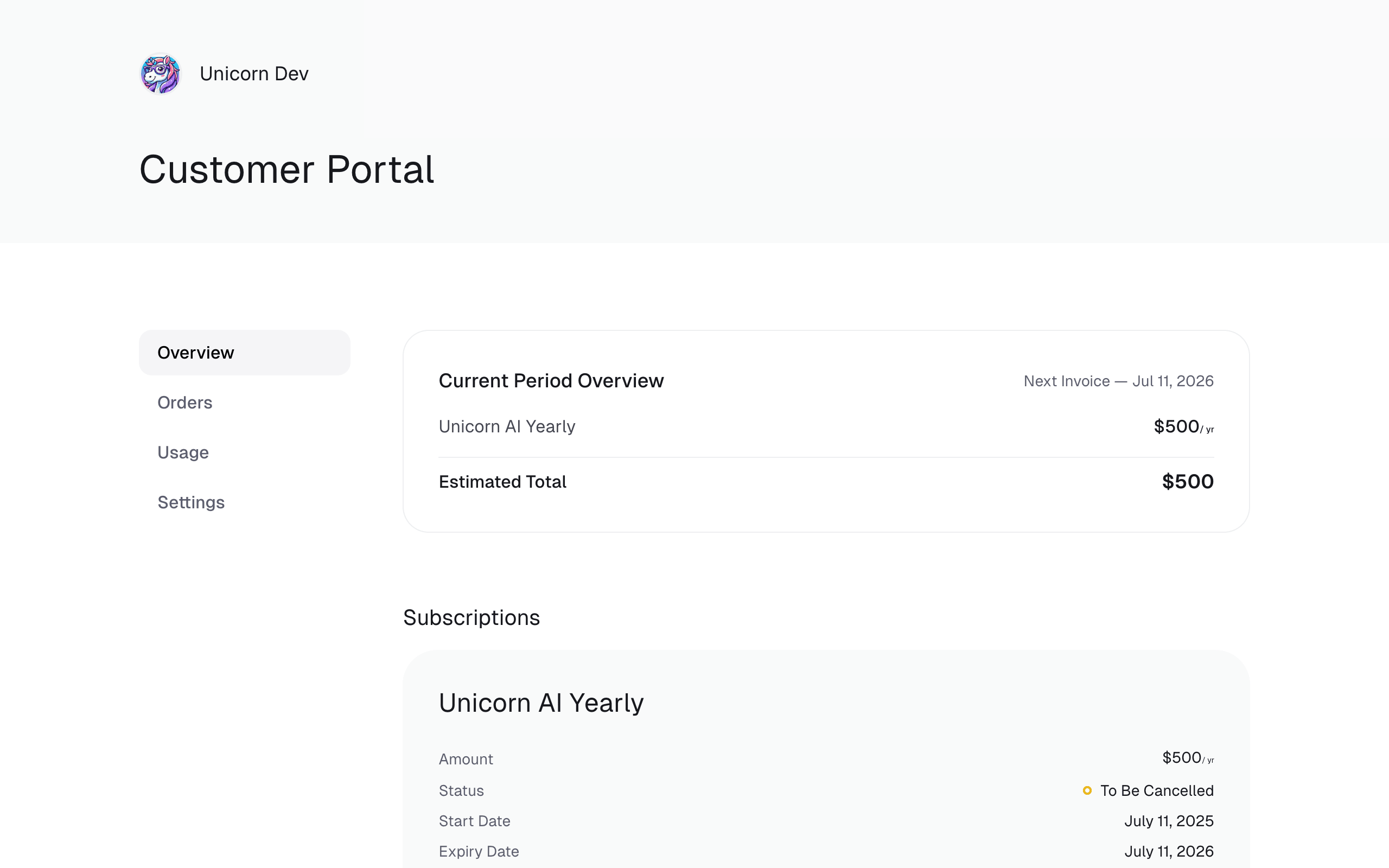
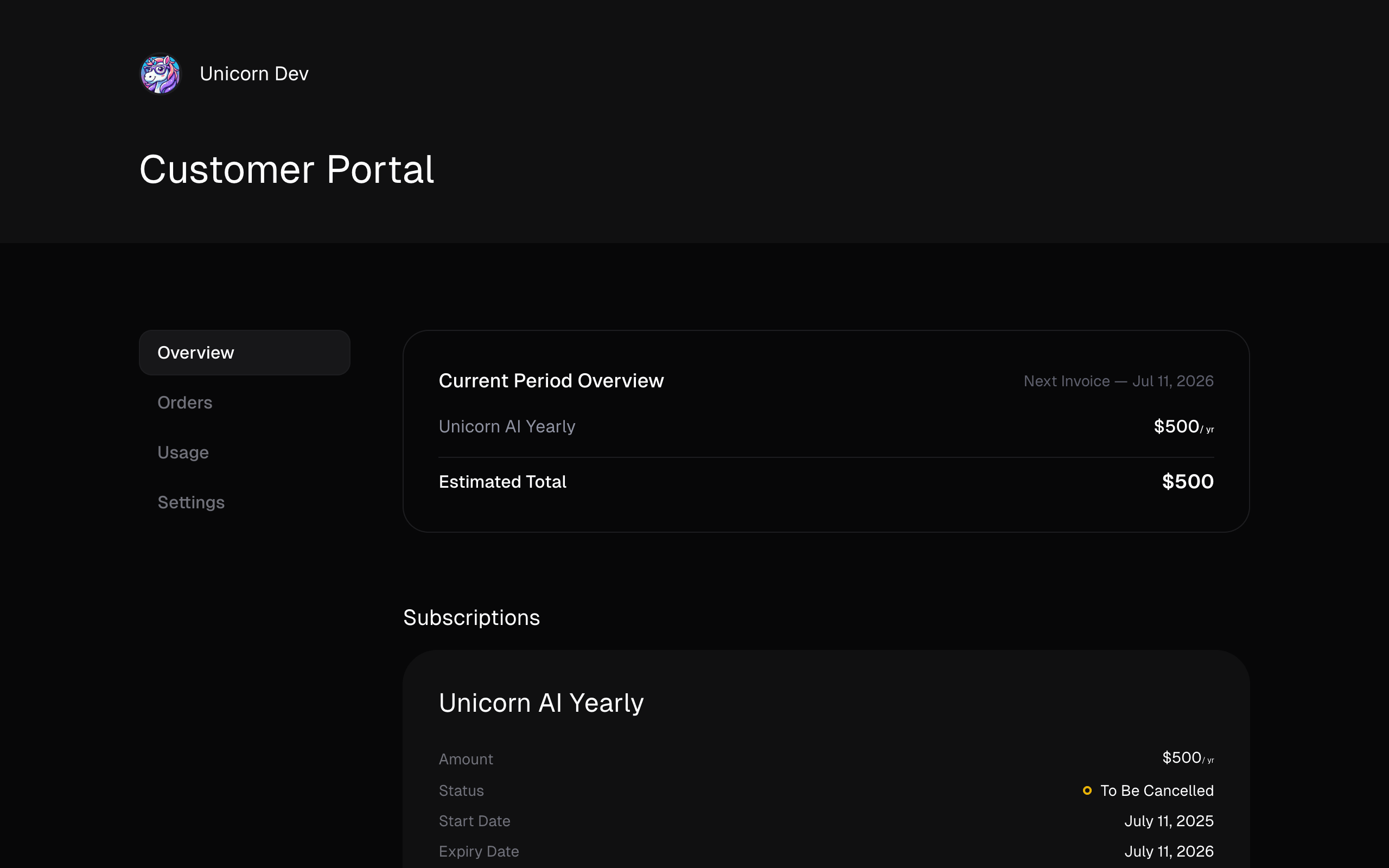
From the Customer Portal, your customers can:- View their active subscriptions and past purchase history
- Download and edit invoices (e.g. add a company name, VAT number, or billing address)
- Download payment receipts for every paid order, with the payment method and any refunds
- Access benefits they’re entitled to — license keys, file downloads, Discord access, etc.
- Cancel active subscriptions on their own
- Update their default payment method — the primary way for customers to recover from failed payments
- Optionally, do more — change their email address, switch subscription plans, manage seats, pause and resume subscriptions, view metered usage, and so on — depending on which toggles you enable under Settings
Why it matters
The Customer Portal isn’t just a convenience feature — it’s a critical piece of your billing stack:- Failed payment recovery. When a subscription renewal fails, the portal is where customers update their card so they don’t lose access. Because Polar is PCI-compliant, you never have to handle card details yourself.
- Self-service cancellations. Some jurisdictions (notably California under the Automatic Renewal Law) legally require customers to be able to cancel a subscription the same way they signed up. The Customer Portal satisfies that requirement out of the box.
- Invoice and receipt access. Customers retrieve and edit their invoices, and download a receipt for any paid order, without pulling you into a support thread.
Next steps
Navigate customers to the portal
Use the default portal URL, generate authenticated links, or rely on the
emails Polar already sends.
Customer portal settings
Configure what your customers can do from the portal under Settings → Customer portal.
Customer Portal API
Build your own portal experience on top of the Customer Portal API.
FAQ
Can I disable the Customer Portal completely?
Can I disable the Customer Portal completely?
No. The Customer Portal is always available for your customers, and it
can’t be turned off.This is a deliberate design decision. The portal is how we guarantee that
your customers can always:
- Access their invoices and payment receipts for tax and bookkeeping.
- Cancel their subscriptions on their own, which is legally required in some jurisdictions (for example California’s Automatic Renewal Law, which requires that customers be able to cancel the same way they signed up).
- Update their payment method in a PCI-compliant way, so they can recover from failed renewals without you having to handle card details.
Can I customize the look and feel of the Customer Portal?
Can I customize the look and feel of the Customer Portal?
Not the hosted portal at
polar.sh/<your-org-slug>/portal — it’s
intentionally consistent across all Polar organizations.If you need a branded experience, you can build your own portal on top of
the Customer Portal API,
which covers the day-to-day actions: viewing subscriptions and orders,
downloading invoices and receipts, managing benefits and seats, and reading
meter usage.Not every action is exposed through the Customer Portal API. Most
notably, updating a default payment method is only available from the
hosted Customer Portal — this is what keeps you PCI-compliant, since card
details never touch your servers. Customers you send into a custom portal
will still need the hosted one to recover from failed payments.
How do customers sign in to the portal?
How do customers sign in to the portal?
By default, customers authenticate with the email address they used to
purchase or subscribe — Polar emails them a one-time code to confirm.You can also skip the email step entirely by generating a pre-authenticated
link from your own application. See Navigate customers to the portal
for details.
Do I need to send customers a link to the portal myself?
Do I need to send customers a link to the portal myself?
You don’t have to. Polar already includes a link to the Customer Portal in
the transactional emails it sends — order confirmations, subscription
renewal notices, failed payment alerts, and more.You may still want to link to it from your own app for convenience, but
it’s not required for customers to be able to reach it.
What happens if a customer's payment method fails?
What happens if a customer's payment method fails?
The customer receives an email from Polar letting them know, with a link to
the Customer Portal where they can update their default payment method.
Once they do, Polar automatically retries the charge.This self-service flow is the primary way customers recover from failed
renewals — keep it in mind when you’re thinking about churn.