

Tax Behavior Options
There are three options available:Location-based is the recommended option for most businesses. It follows
common regional conventions — customers in the United States, Canada, and
India see exclusive pricing, while customers in the rest of the world (e.g.
EU, UK) see inclusive pricing.
How it affects checkout
- Inclusive: If a product is priced at $12.00 and the tax rate is 20%, the customer pays $12.00 — $2.00 of which is tax and $10.00 is the net amount.
- Exclusive: If a product is priced at $10.00 and the tax rate is 20%, the customer pays $12.00 — $10.00 net plus $2.00 tax added on top.
Setting the Default Tax Behavior
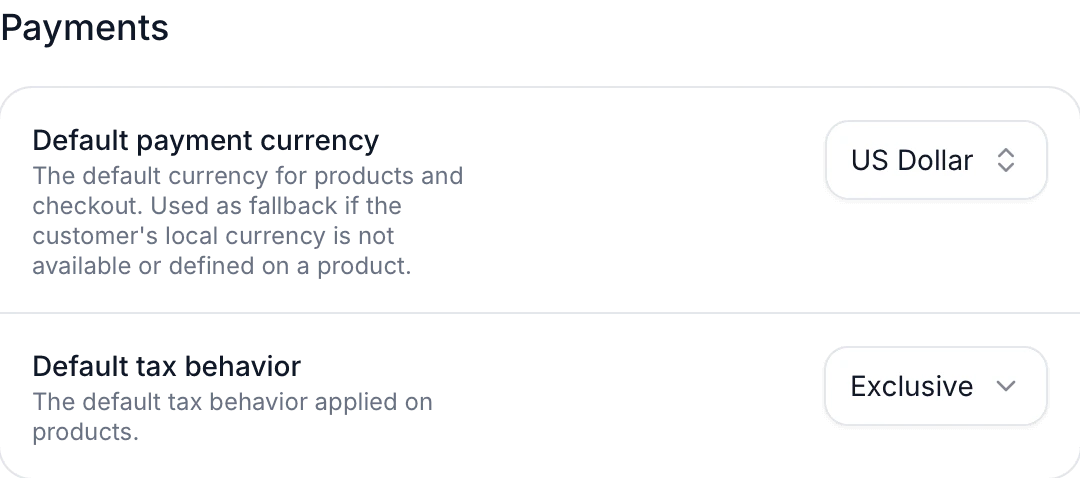
The default tax behavior applies to all products in your organization that don’t have a price-level override. To change it:- Go to your organization’s settings.
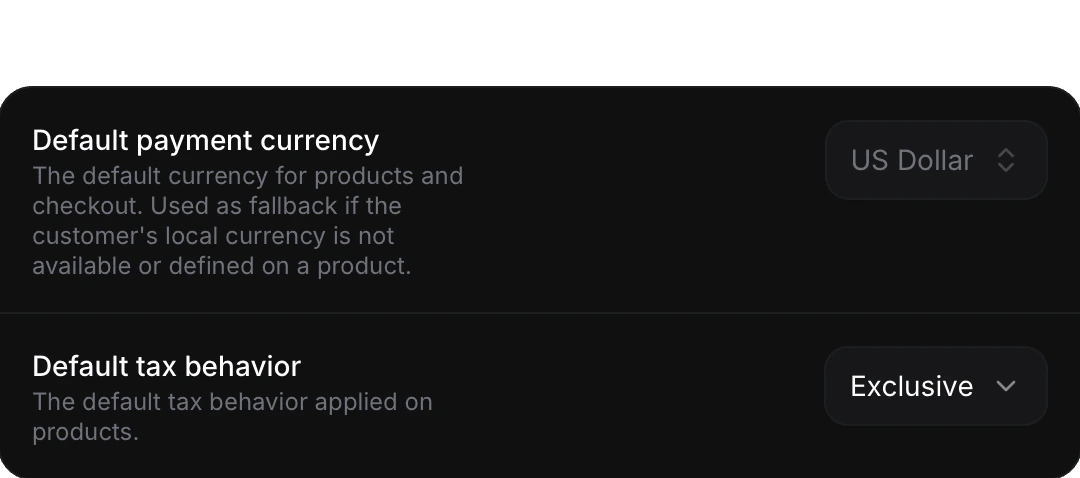
- Find the Default tax behavior selector under the Payments section.
- Choose Location-based, Inclusive, or Exclusive.
- The setting is saved automatically.
Location-based Behavior in Detail
When the tax behavior is set to Location-based, Polar resolves the actual inclusive/exclusive behavior at checkout time based on the customer’s billing address:
This follows prevailing regional conventions: North American and Indian consumers generally expect prices before tax, while European and most other international customers expect VAT-inclusive pricing.
Relationship with Merchant of Record
As a Merchant of Record, we handle the calculation, collection, and remittance of sales taxes globally on your behalf. Tax behavior only controls how the price is presented to your customer — it does not affect whether tax is collected or how much is owed. Regardless of the tax behavior chosen, Polar always:- Calculates the correct tax amount for the customer’s jurisdiction.
- Displays the tax breakdown clearly on the checkout page.
- Issues a compliant receipt that itemizes the tax amount.
- Remits the collected tax to the appropriate tax authorities.
Changing the tax behavior on a price does not change the effective tax
rate or your tax obligations. It only changes whether the stated price is
presented as tax-included or tax-excluded to the customer.