> ## Documentation Index
> Fetch the complete documentation index at: https://polar.sh/docs/llms.txt
> Use this file to discover all available pages before exploring further.
# Setup Webhooks
> Get notifications asynchronously when events occur instead of having to poll for updates
Our webhook implementation follows the [Standard Webhooks](https://www.standardwebhooks.com/) specification
and our SDKs offer:
* Built-in webhook signature validation for security
* Fully typed webhook payloads
In addition, our webhooks offer built-in support for **Slack** & **Discord**
formatting. Making it a breeze to setup in-chat notifications for your team.
## Get Started
**Use our sandbox environment during development**
So you can easily test purchases, subscriptions, cancellations and refunds to
automatically trigger webhook events without spending a dime.
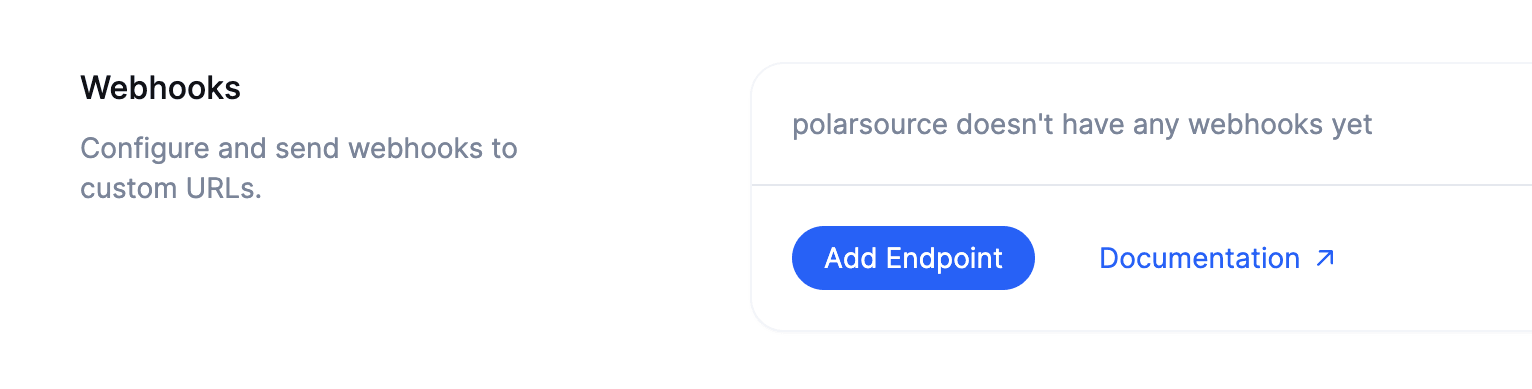
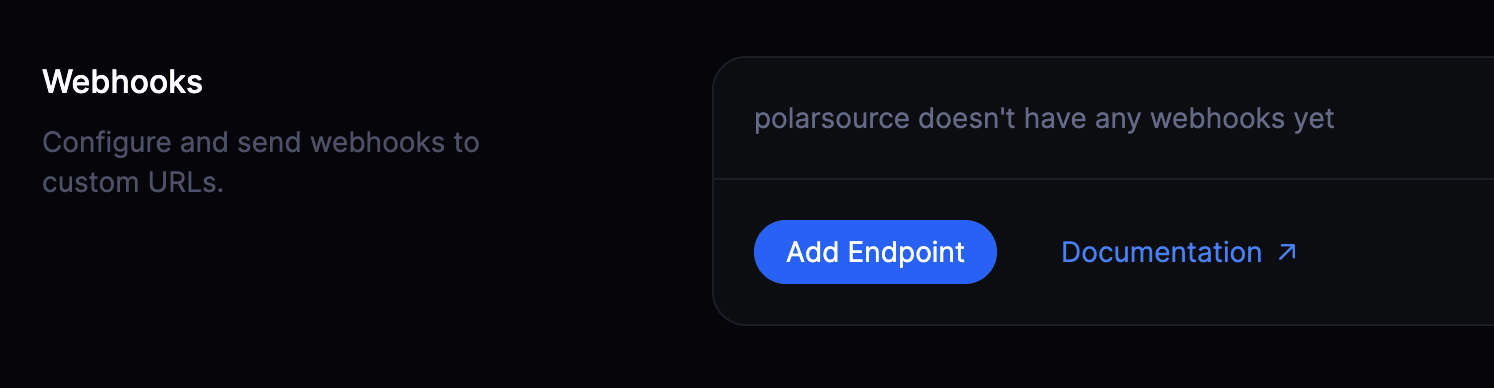
Head over to your organization settings and click on the `Add Endpoint` button to create a new webhook.
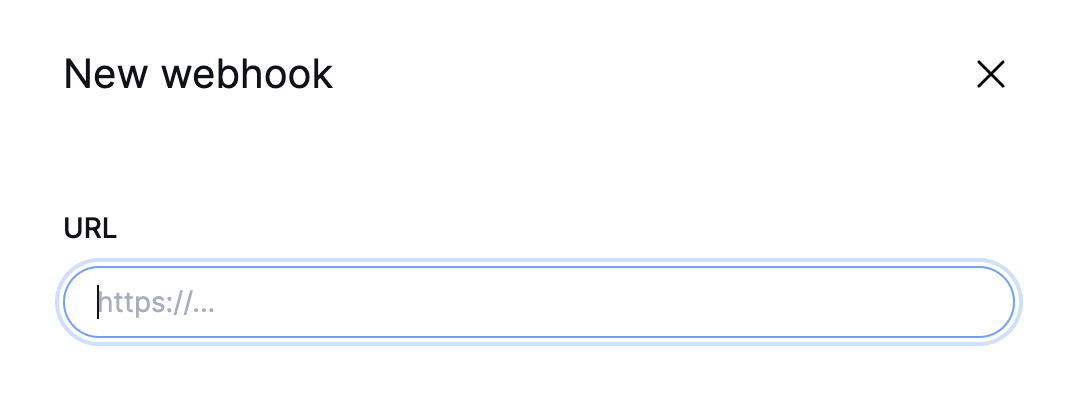
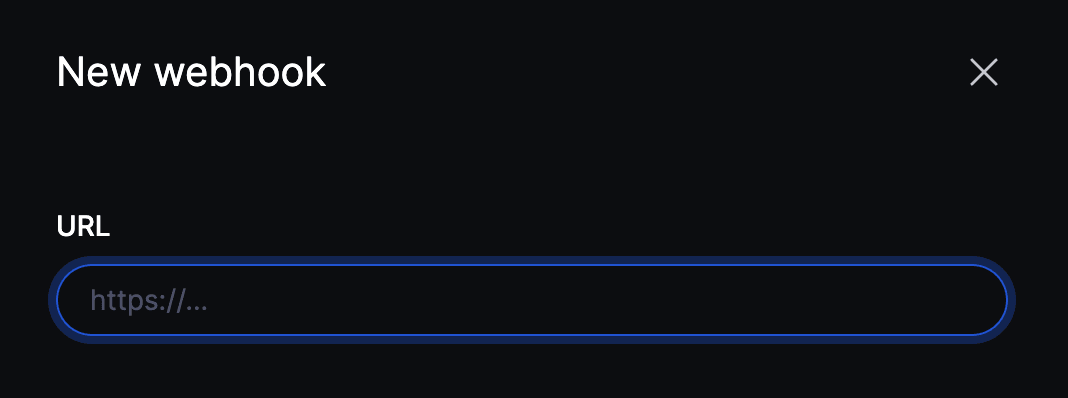
 Enter the URL to which the webhook events should be sent.
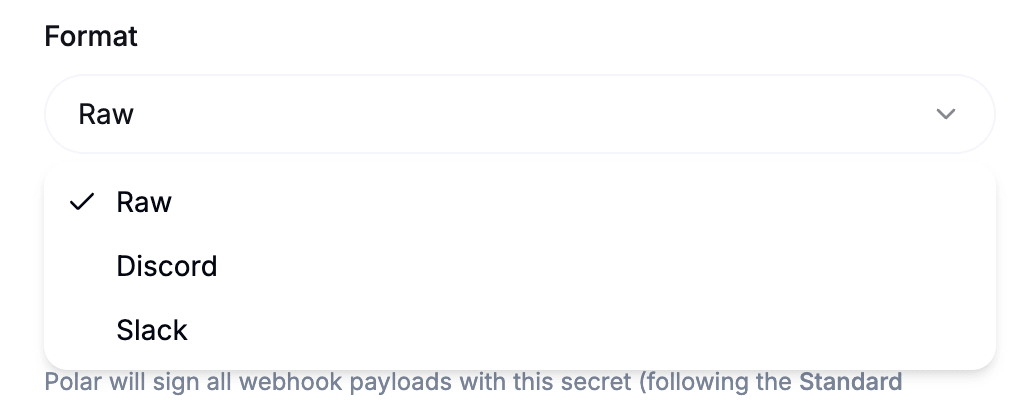
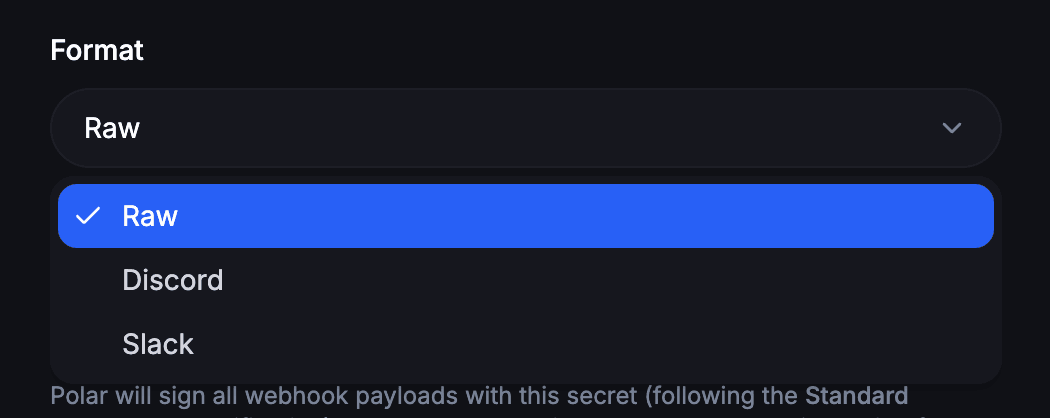
 For standard, custom integrations, leave this parameter on **Raw**. This will send a payload in JSON format.
If you wish to send notifications to a Discord or Slack channel, you can select the corresponding format here. Polar will then adapt the payload so properly formatted messages are sent to your channel.
For standard, custom integrations, leave this parameter on **Raw**. This will send a payload in JSON format.
If you wish to send notifications to a Discord or Slack channel, you can select the corresponding format here. Polar will then adapt the payload so properly formatted messages are sent to your channel.
 If you paste a Discord or Slack Webhook URL, the format will be automatically selected.
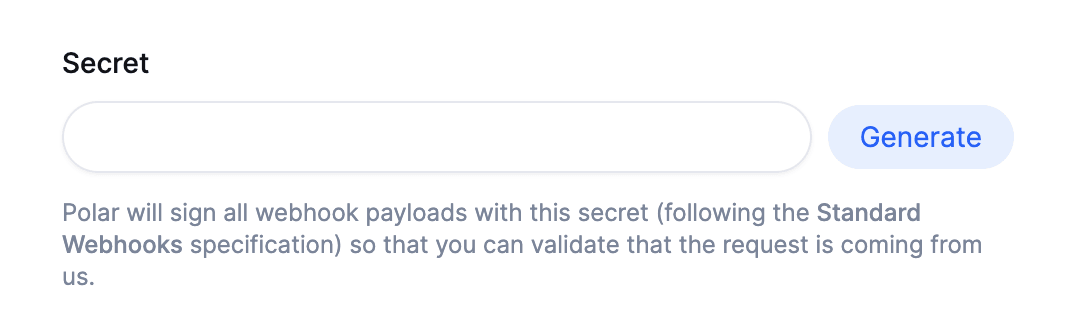
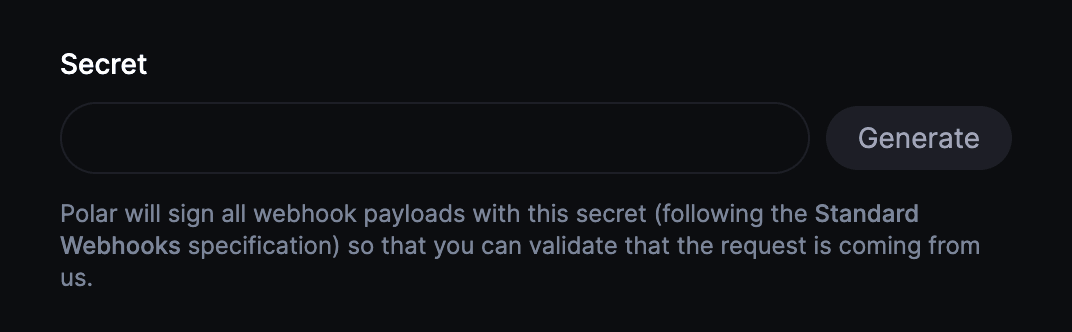
We cryptographically sign the requests using this secret. So you can easily
verify them using our SDKs to ensure they are legitimate webhook payloads
from Polar.
You can set your own or generate a random one.
If you paste a Discord or Slack Webhook URL, the format will be automatically selected.
We cryptographically sign the requests using this secret. So you can easily
verify them using our SDKs to ensure they are legitimate webhook payloads
from Polar.
You can set your own or generate a random one.
 Finally, select all the events you want to be notified about and you're done 🎉
**Developing locally?**
Install Polar CLI to use the listening command. This will allow you to test your webhook handlers without deploying them to a live server.
Install the Polar CLI
```bash Terminal theme={null}
curl -fsSL https://polar.sh/install.sh | bash
```
Once you have installed the Polar CLI, you can easily start a tunnel:
```bash Terminal theme={null}
polar listen http://localhost:3000/
```
This will relay webhooks automatically to the speicified URL.
```bash theme={null}
✔ Select Organization … My Organization
Connected My Organization
Secret 6t3c8ce2247c493a3ade20uea4484d64
Forwarding http://localhost:3000
Waiting for events...
```
[Now, it's time to integrate our endpoint to receive events
→](/integrate/webhooks/delivery)
Finally, select all the events you want to be notified about and you're done 🎉
**Developing locally?**
Install Polar CLI to use the listening command. This will allow you to test your webhook handlers without deploying them to a live server.
Install the Polar CLI
```bash Terminal theme={null}
curl -fsSL https://polar.sh/install.sh | bash
```
Once you have installed the Polar CLI, you can easily start a tunnel:
```bash Terminal theme={null}
polar listen http://localhost:3000/
```
This will relay webhooks automatically to the speicified URL.
```bash theme={null}
✔ Select Organization … My Organization
Connected My Organization
Secret 6t3c8ce2247c493a3ade20uea4484d64
Forwarding http://localhost:3000
Waiting for events...
```
[Now, it's time to integrate our endpoint to receive events
→](/integrate/webhooks/delivery)