> ## Documentation Index
> Fetch the complete documentation index at: https://polar.sh/docs/llms.txt
> Use this file to discover all available pages before exploring further.
# Organization Access Tokens
All bearer tokens should be kept private and never shared or exposed in client-side code.
Organization Access Tokens (OAT) are tied to **one** of your organization.
You can create them from your organization settings as follows:
Open [**Settings**](https://polar.sh/to/dashboard/settings) for your organization in the Polar dashboard.
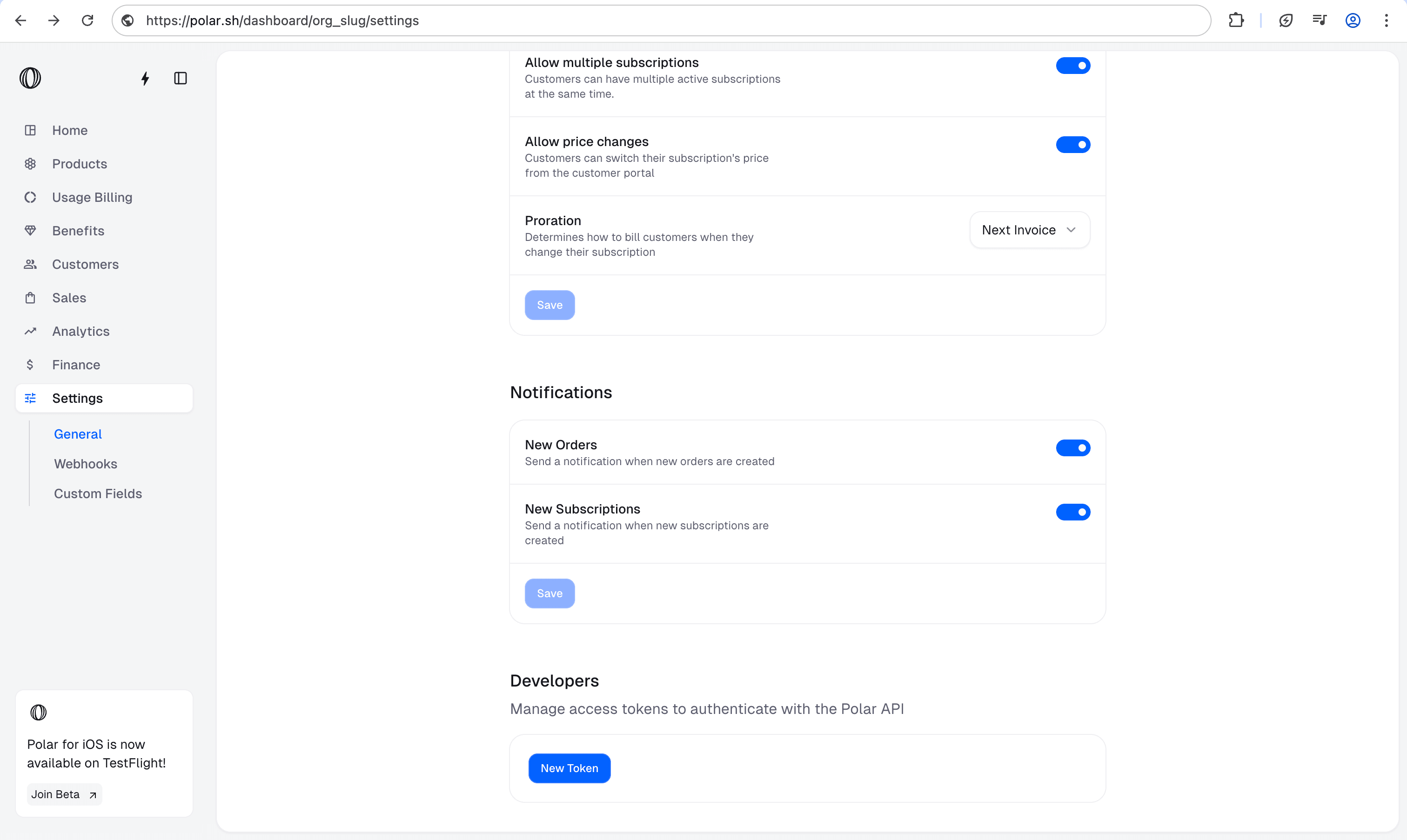 Scroll down to **Developers** and click **New Token**
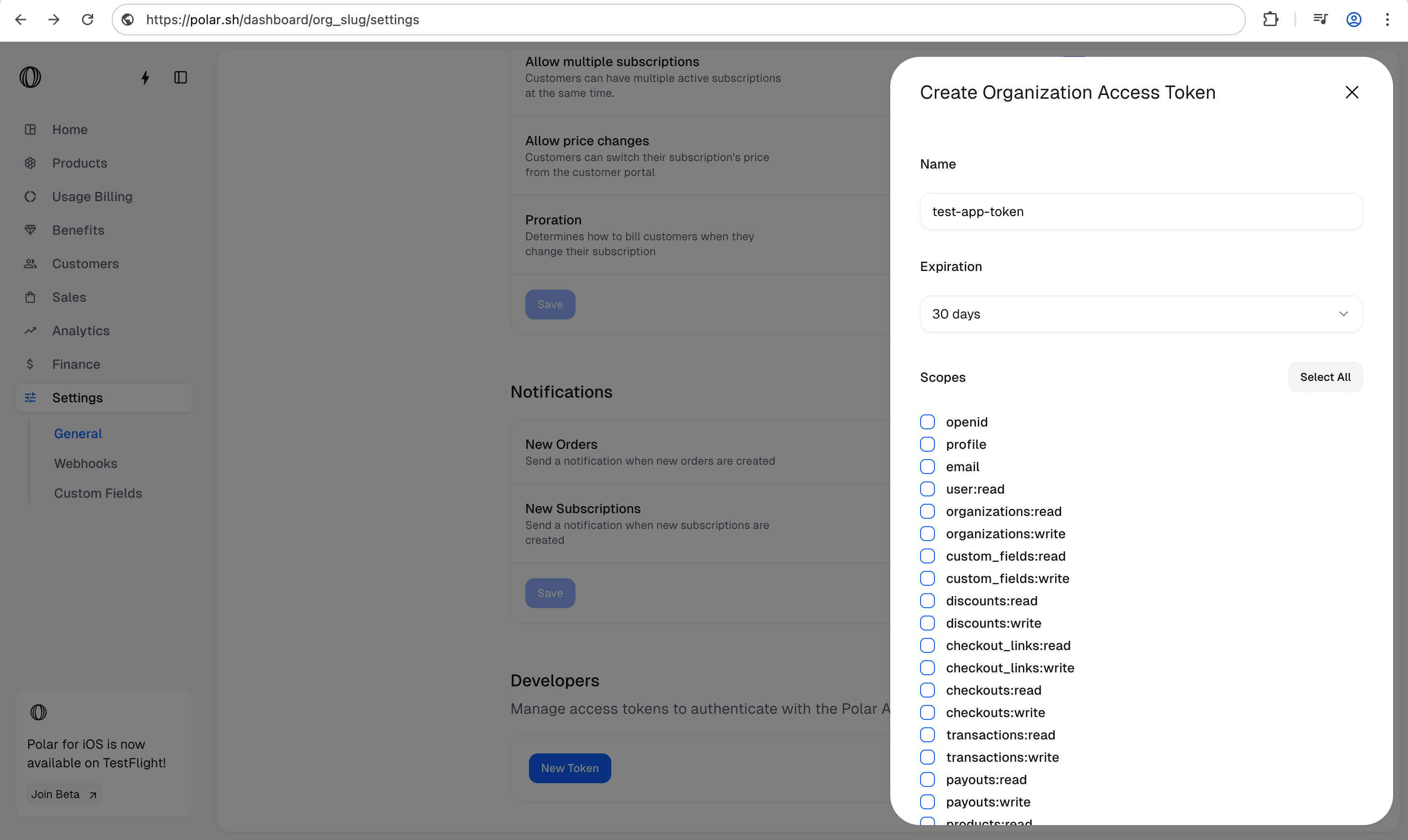
* **Give your token a name**: Choose a descriptive name so you remember what this token is used for.
* **Set an expiration date**: Decide how long the token should be valid.
* **Select the required scopes**: Pick the permissions your token needs.
Scroll down to **Developers** and click **New Token**
* **Give your token a name**: Choose a descriptive name so you remember what this token is used for.
* **Set an expiration date**: Decide how long the token should be valid.
* **Select the required scopes**: Pick the permissions your token needs.