> ## Documentation Index
> Fetch the complete documentation index at: https://polar.sh/docs/llms.txt
> Use this file to discover all available pages before exploring further.
# Introduction
> Usage based billing using ingested events
Usage Based Billing is a new feature. We have a lot in store and welcome
feedback!
## Overview
Polar has a powerful Usage Based Billing infrastructure that allows you to charge your customers based on the usage of your application.
This is done by ingesting events from your application, creating Meters to represent that usage, and then adding metered prices to Products to charge for it.
## Concepts
### Events
Events are the core of Usage Based Billing. They represent *some* usage done by a customer in your application. Typical examples of events are:
* A customer consumed AI LLM tokens
* A customer streamed minutes of video
* A customer uploaded a file to your application
Events are sent to Polar using the [Events Ingestion API](/api-reference/events/ingest) and are stored in our database. An event consists of the following fields:
* A `name`, which is a string that can be used to identify the type of event. For example, `ai_usage`, `video_streamed` or `file_uploaded`.
* A `customer_id` or `external_customer_id`, which is Polar's customer ID or your user's ID. This is used to identify the customer that triggered the event.
* A `metadata` object, which is a JSON object that can contain any additional information about the event. This is useful for storing information that can be used to filter the events or compute the actual usage. For example, you can store the duration of the video streamed or the size of the file uploaded.
Here is an example of an event:
```json theme={null}
{
"name": "ai_usage",
"external_customer_id": "cus_123",
"metadata": {
"model": "gpt-4.1-nano",
"requests": 1,
"total_tokens": 77,
"request_tokens": 58,
"response_tokens": 19
}
}
```
### Meters
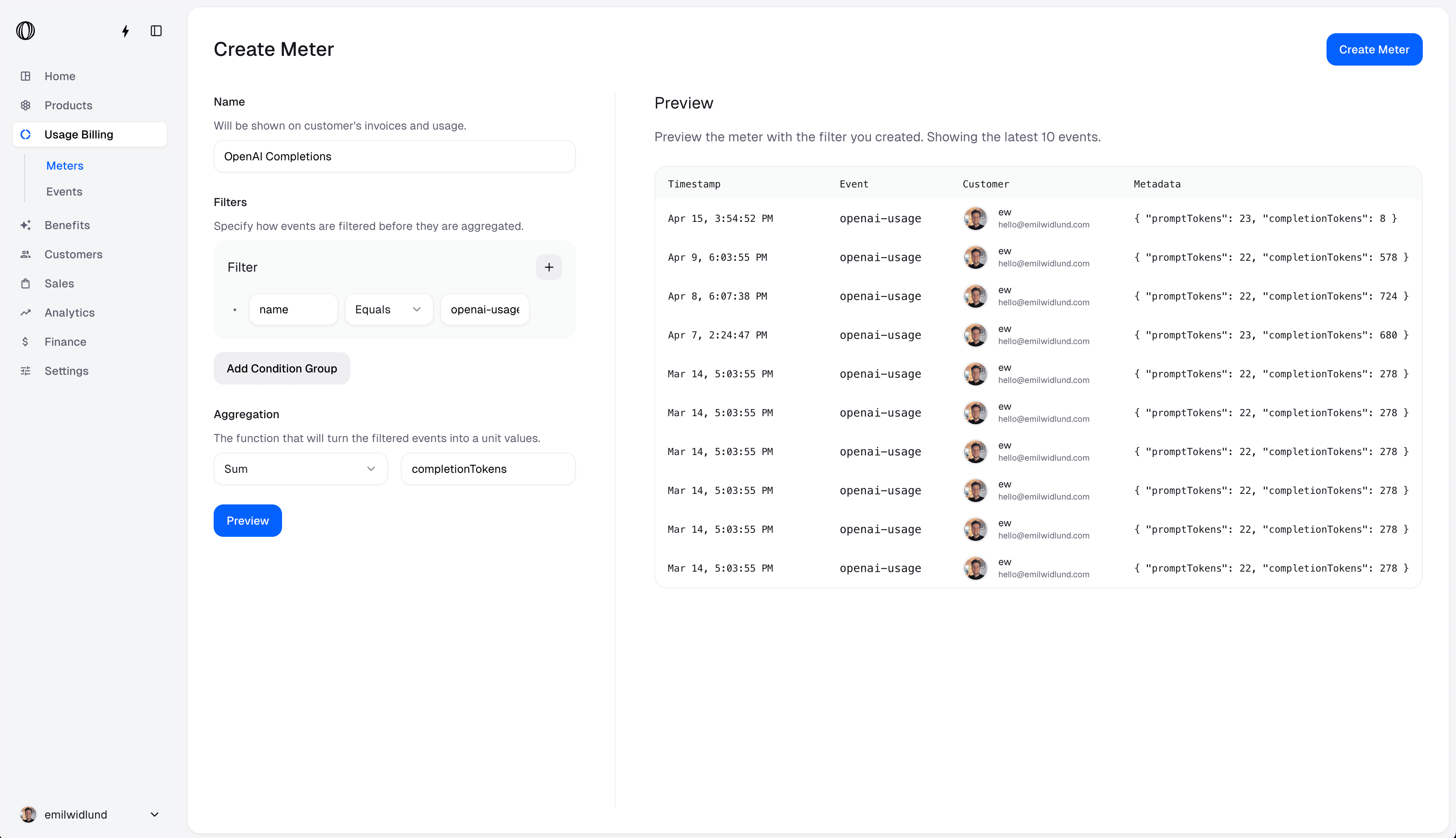
Meters are there to filter and aggregate the events that are ingested. Said another way, this is how you define what usage you want to charge for, based on the events you send to Polar. For example:
* AI usage meter, which filters the events with the name `ai_usage` and sums the `total_tokens` field.
* Video streaming meter, which filters the events with the name `video_streamed` and sums the `duration` field.
* File upload meter, which filters the events with the name `file_uploaded` and sums the `size` field.
You can create and manage your meters from the dashboard. Polar is then able to compute the usage over time, both globally and per customer.
### Metered Price
A metered price is a price that is based on the usage of a meter, which is computed by filtering aggregating the events that are ingested. This is how you charge your customers for the usage of your application.
### Meter Credits benefit
You can give credits to your customers on a specific meter. This is done by creating a Meter Credits Benefit, which is a special type of benefit that allows you to give credits to your customers on a specific meter.
On a recurring product, the customer will be credited the amount of units specified in the benefit at the beginning of every subscription cycle period — monthly or yearly.
## Quickstart
Get up and running in 5 minutes
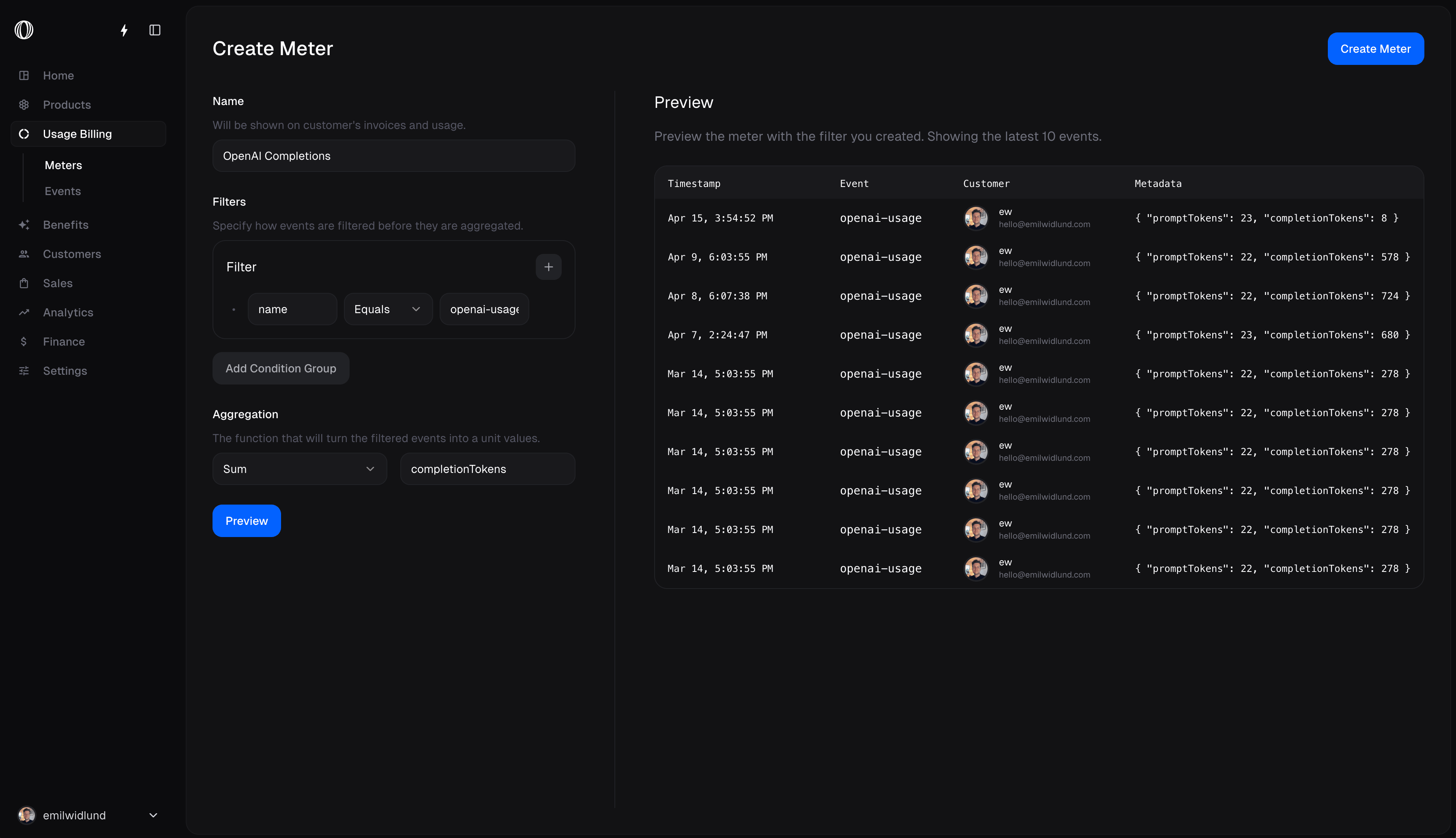
Meters consist of filters and an aggregation function.
The filter is used to filter the events that should be included in the meter and the aggregation function is used to compute the usage.
 To enable usage based billing for a Product, you need to add a metered price to the Product. Metered prices are only applicable to Subscription Products.
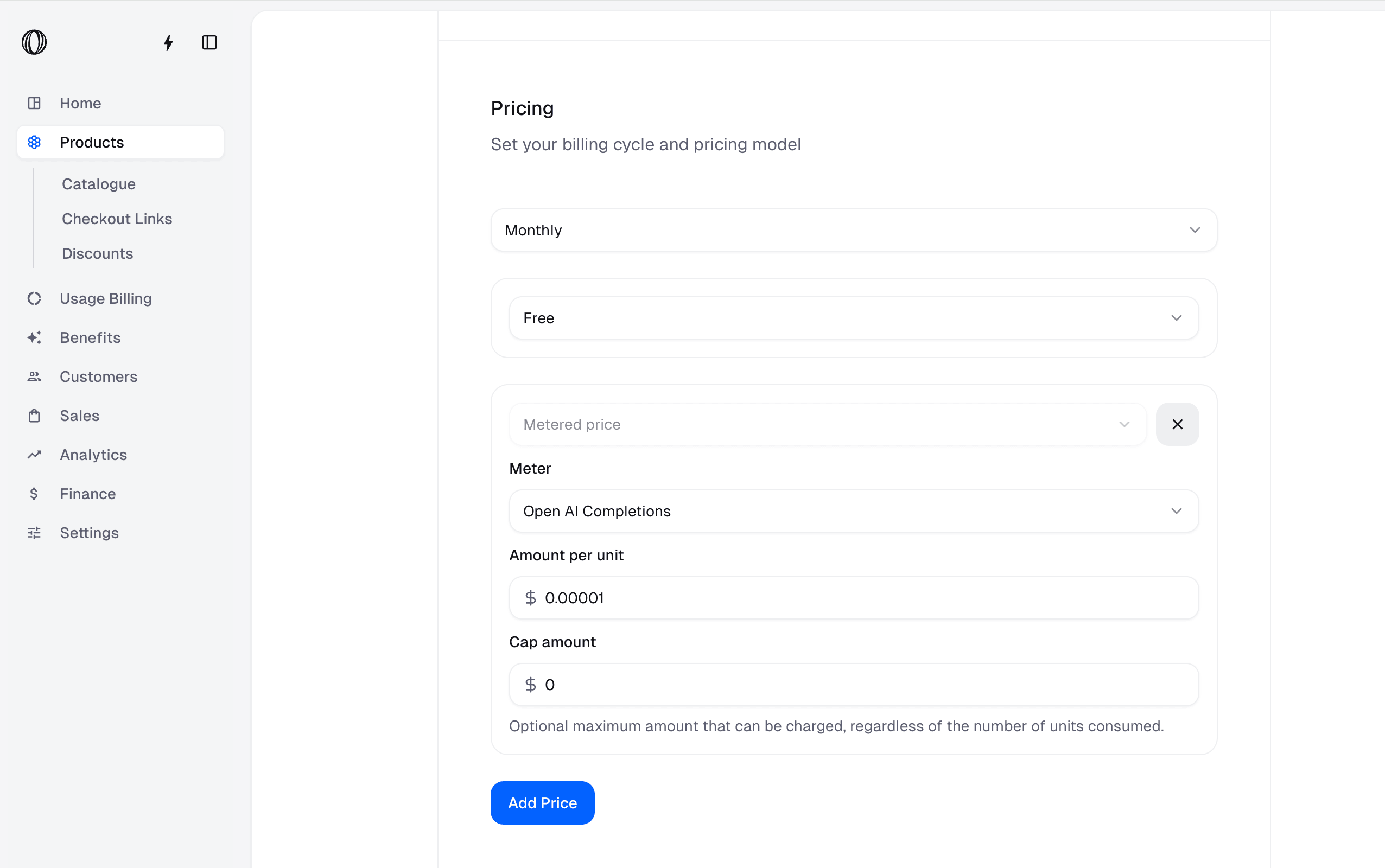
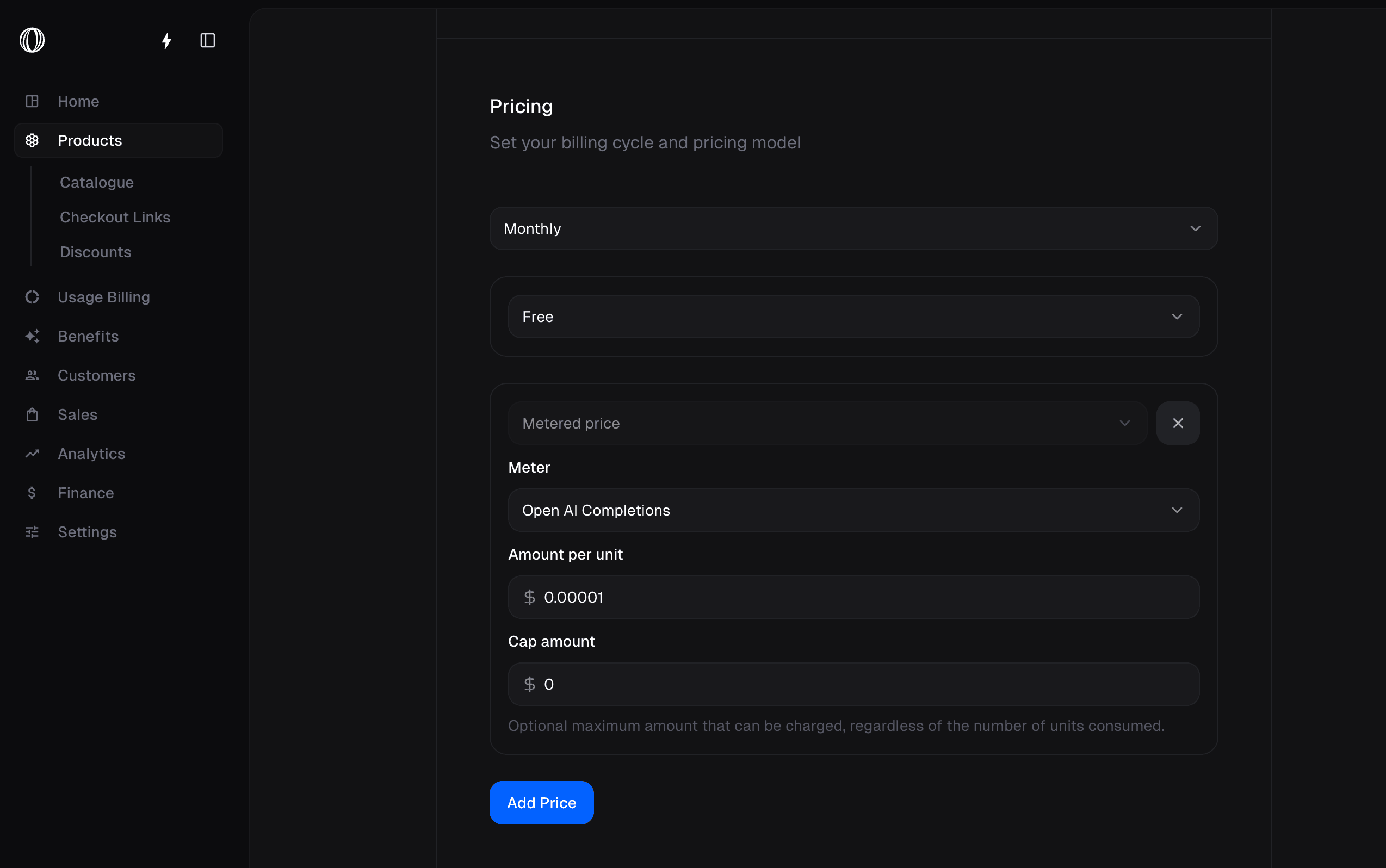 Now you're ready to ingest events from your application. Sending events which match the meter's filter will increment the meter's usage for the customer.
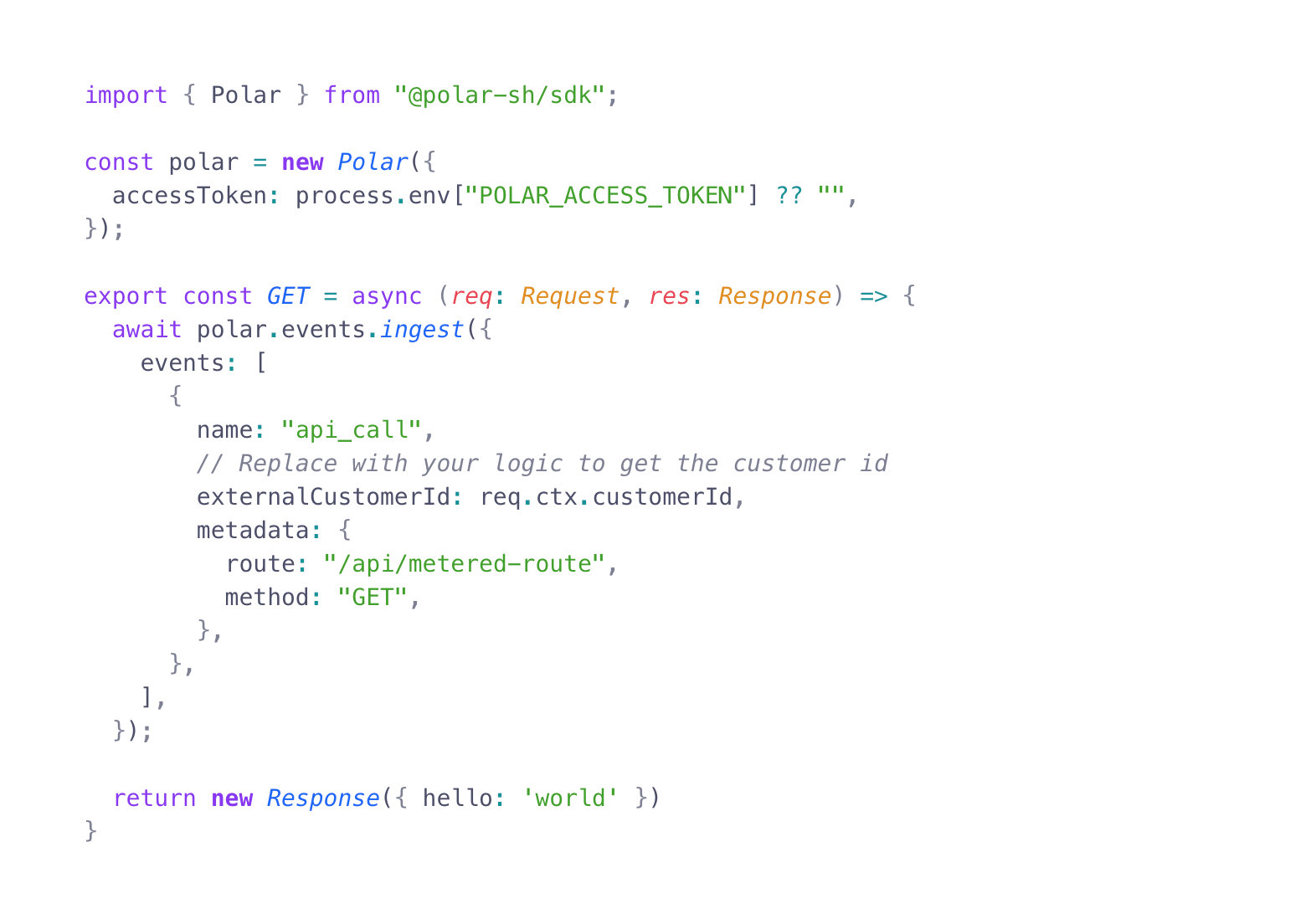
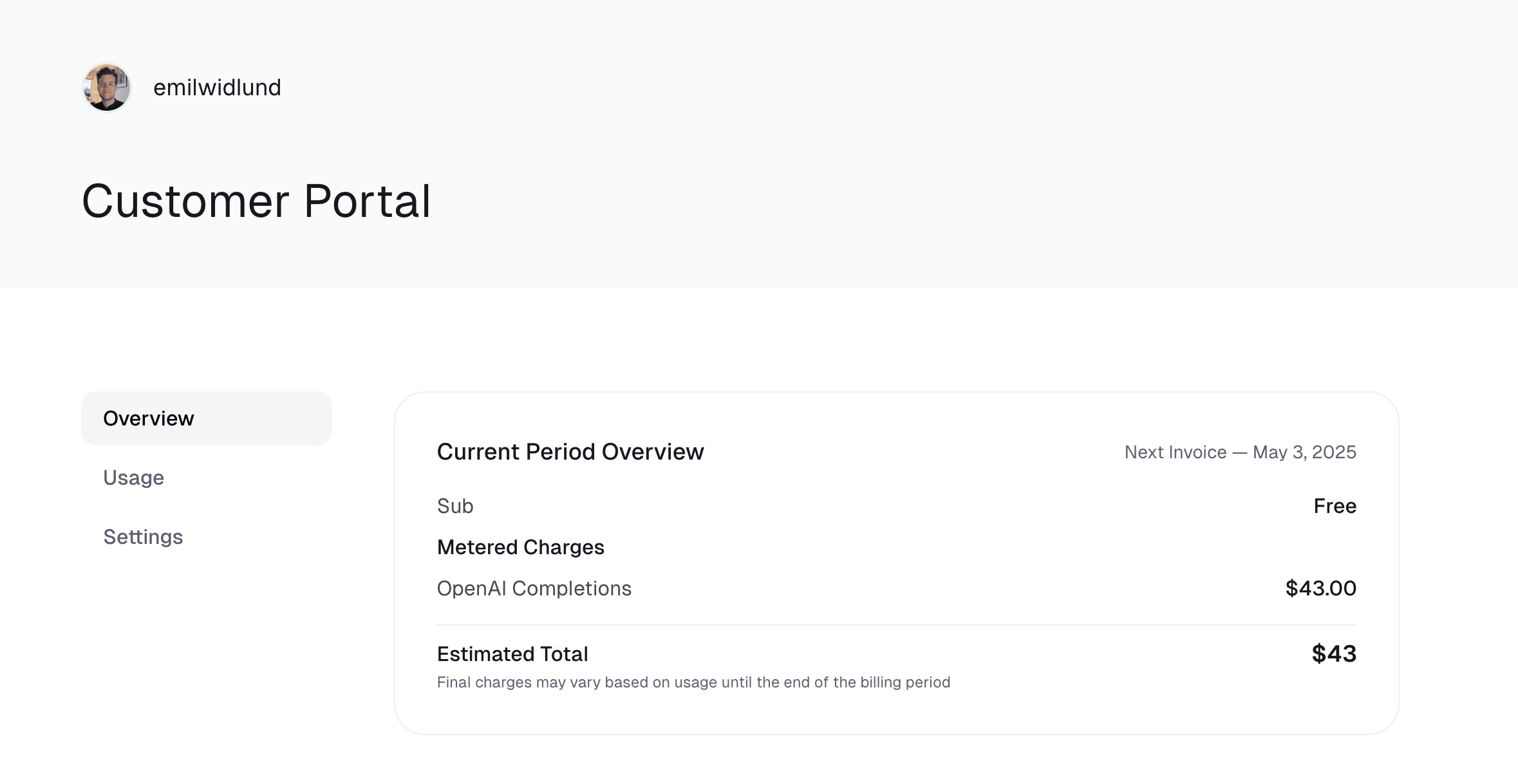
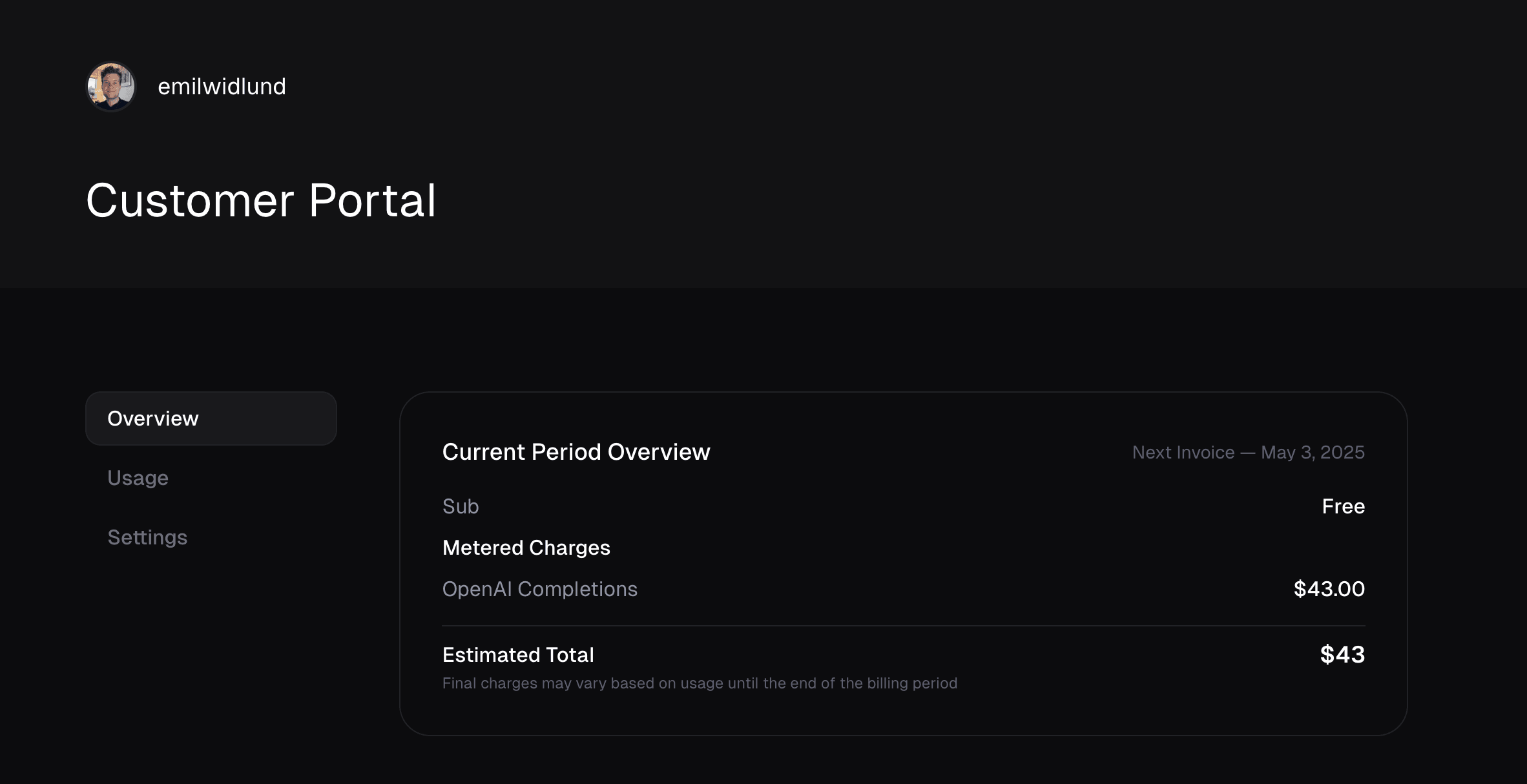
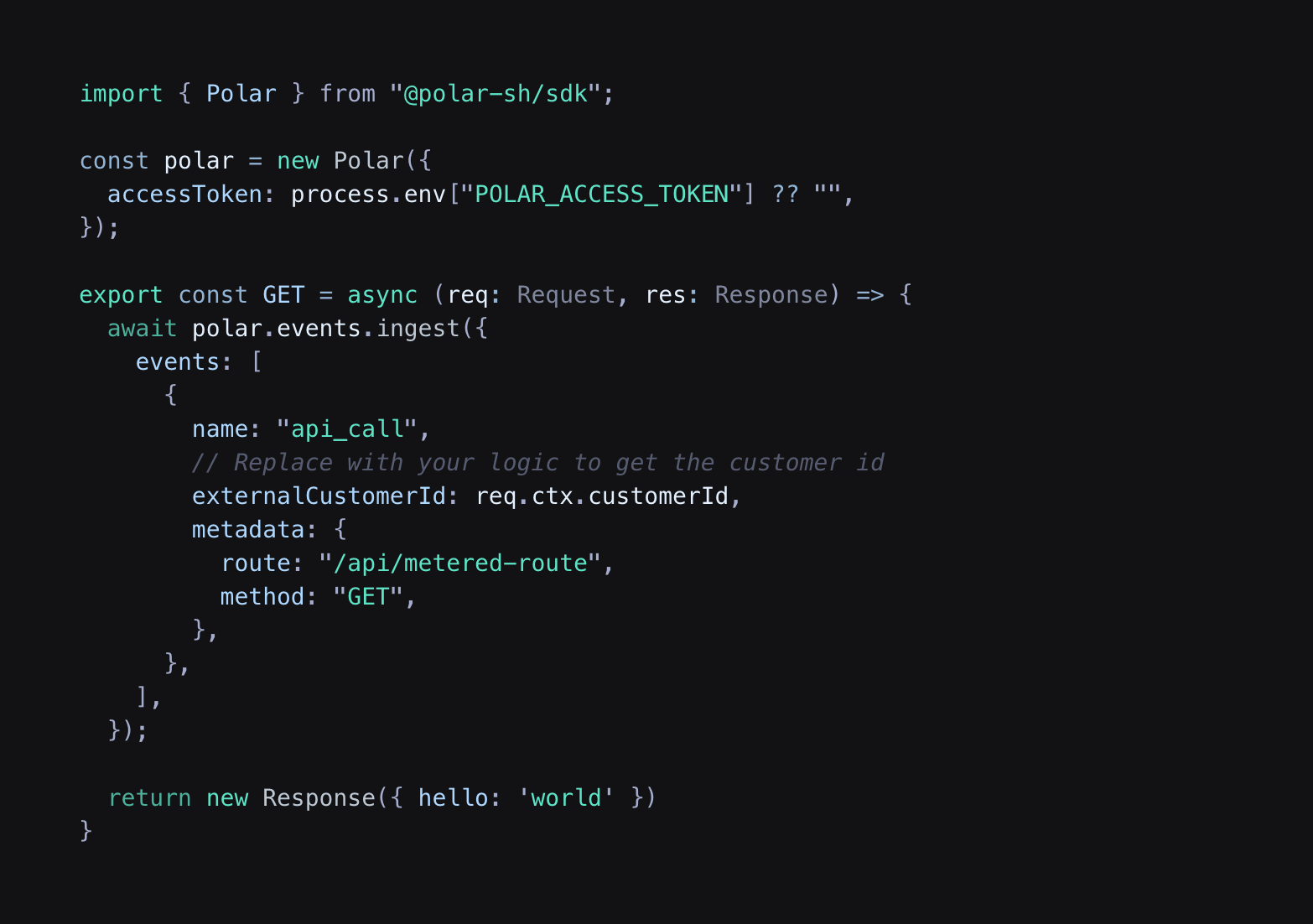 Customers can view their estimated charges for each meter in the Customer Portal.