> ## Documentation Index
> Fetch the complete documentation index at: https://polar.sh/docs/llms.txt
> Use this file to discover all available pages before exploring further.
# Billing
> How billing works with Usage Based
## Metered Pricing
Metered Pricing is a pricing model where you charge your customers based on the usage of your application.
There are a few different pricing models unique to Usage Based Billing:
* Unit Pricing
* Volume Pricing *(coming soon)*
### Unit Pricing
Unit pricing is a simple pricing model where you charge a fixed amount for each unit of usage.
For example:
| Product Meter | Price per unit |
| ------------------- | -------------- |
| `prompt-tokens` | \$0.10 |
| `completion-tokens` | \$0.18 |
This means that every unit of `prompt-tokens` consumed by a customer will be charged at \$0.10 and every unit of `completion-tokens` will be charged at \$0.18.
It's a linear pricing model, where the price per unit is fixed.
### Volume Pricing *(coming soon)*
Volume pricing is a pricing model where you charge a fixed amount for a certain volume of usage. Volume pricing is not yet available, but will be coming soon.
## Invoicing Customers for Usage
Our Usage Based Billing infrastructure is built to work with Subscription products out of the box.
### Add a metered price to your product
To charge your customers for usage, you need to add a metered price to your product. You'll need to select the **Meter** and the **amount per unit**.
The price is always entered as the cost per **single unit**. How it is
displayed to customers — for example as `$20 / 1M tokens` — is controlled by
the [Unit](/features/usage-based-billing/meters#unit) setting on the meter.
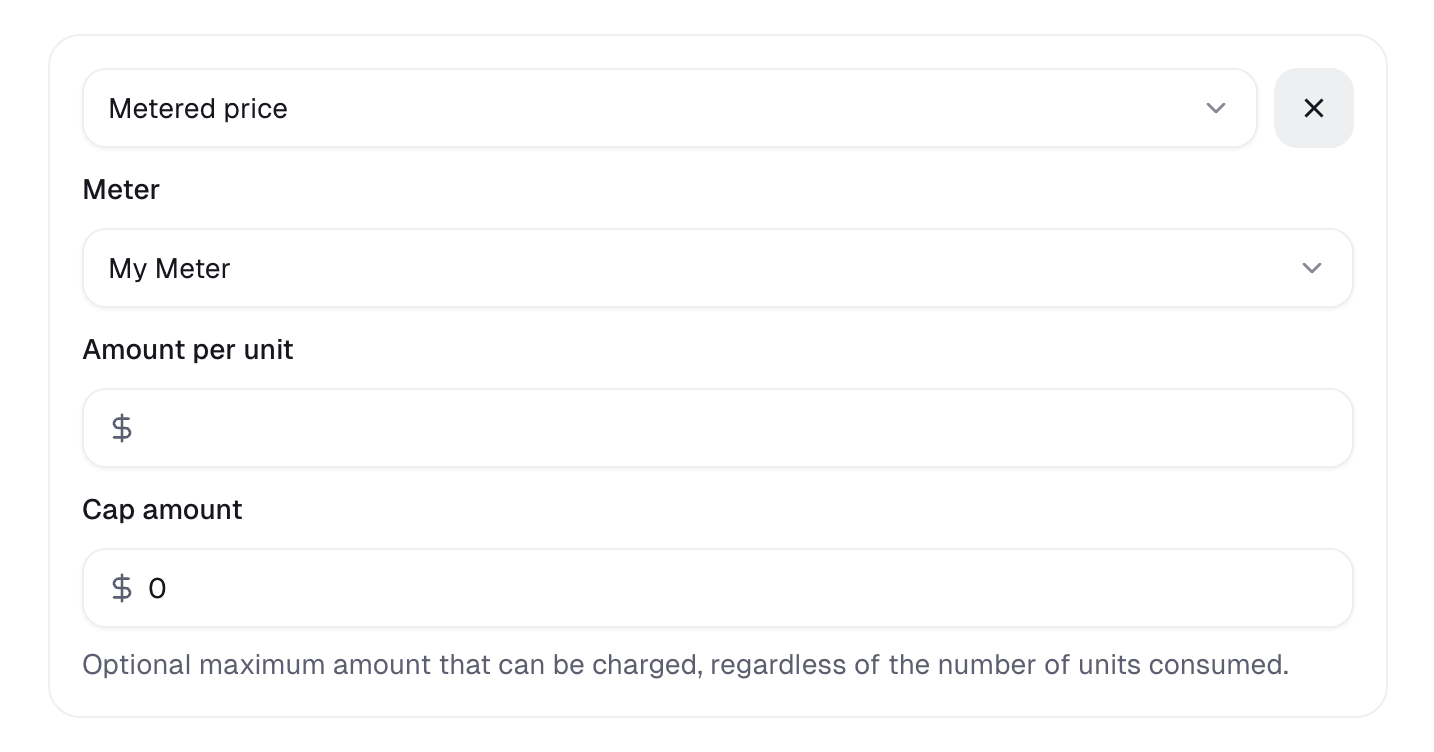
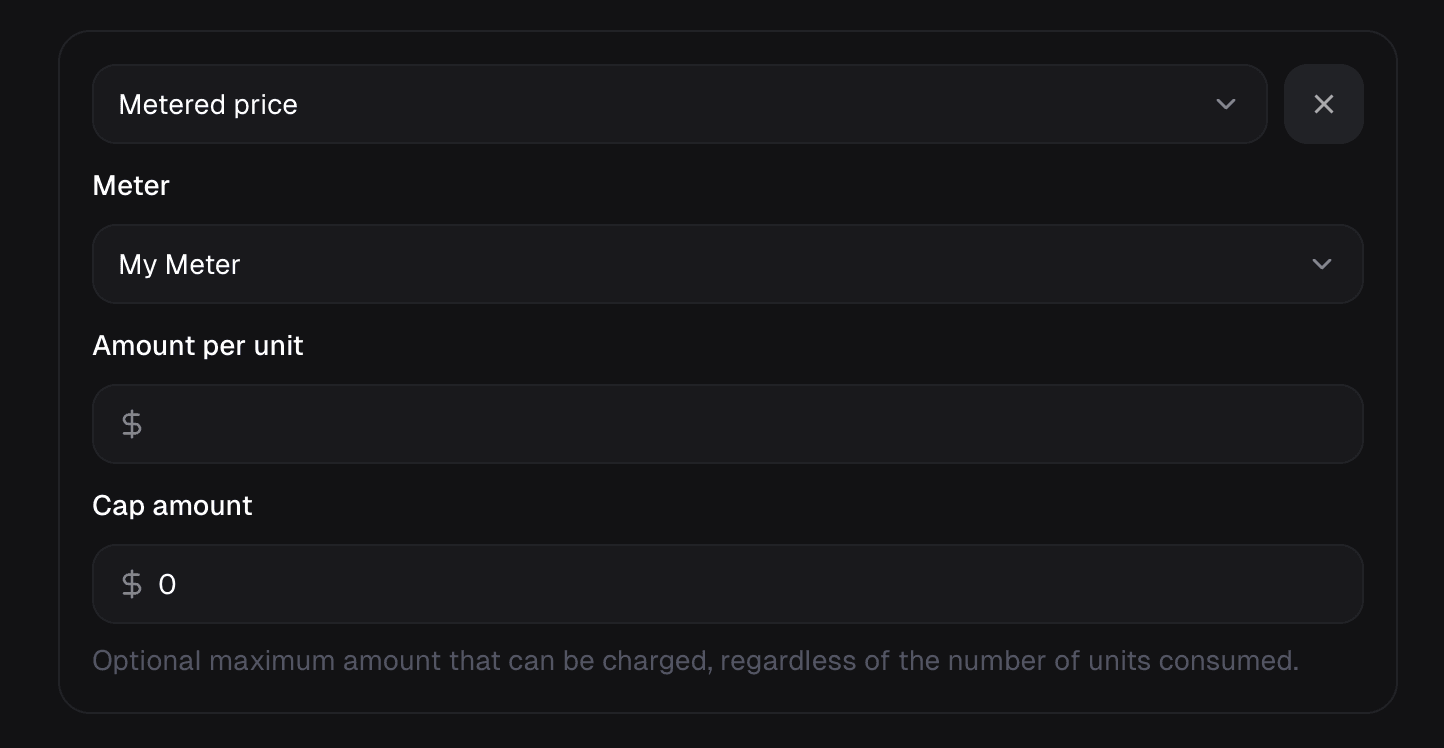 Optionally, you can set a **cap**. The customer will be charged the cap amount if they exceed it, regardless of the usage.
### Monthly Invoicing
If a customer has a subscription with a monthly billing period, usage is aggregated monthly and invoiced at the end of the month with the rest of the subscription.
### Yearly Invoicing
If a customer has a subscription with a yearly billing period, usage is aggregated yearly and invoiced at the end of the year with the rest of the subscription.
### Usage Charges and Subscription Cancellation
When a subscription is canceled, it generally remains active until the end of the current billing period (known as the grace period). During this grace period, all accumulated usage-based charges continue to be tracked. A final invoice will be issued at the end of that period to cover the consumed usage, even if the subscription will not be renewed. This ensures no pending usage charges are lost.
If a [discount](/features/discounts) is applied on the subscription, it'll be
applied on the **whole invoice**, including metered usage.
## Customer Portal
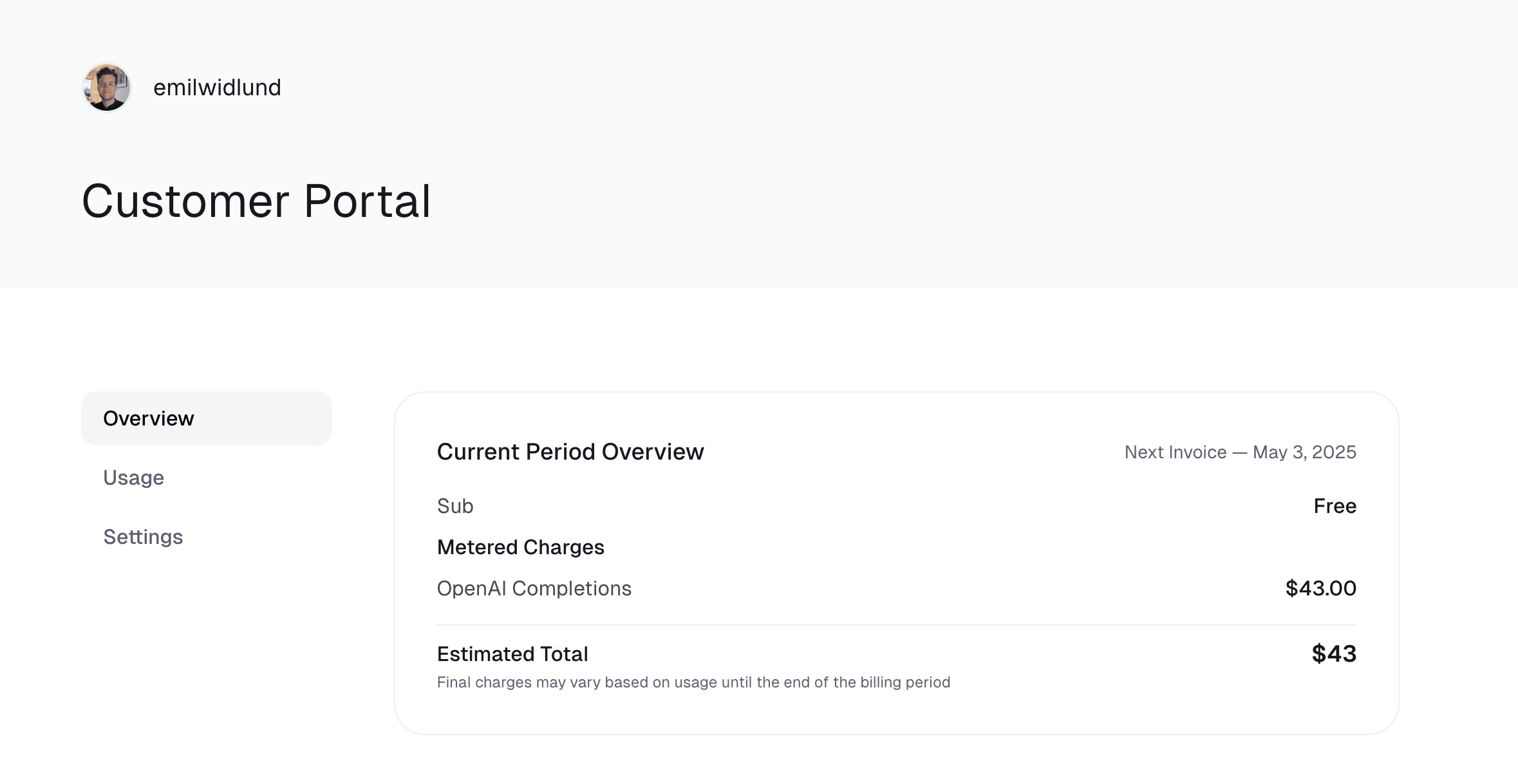
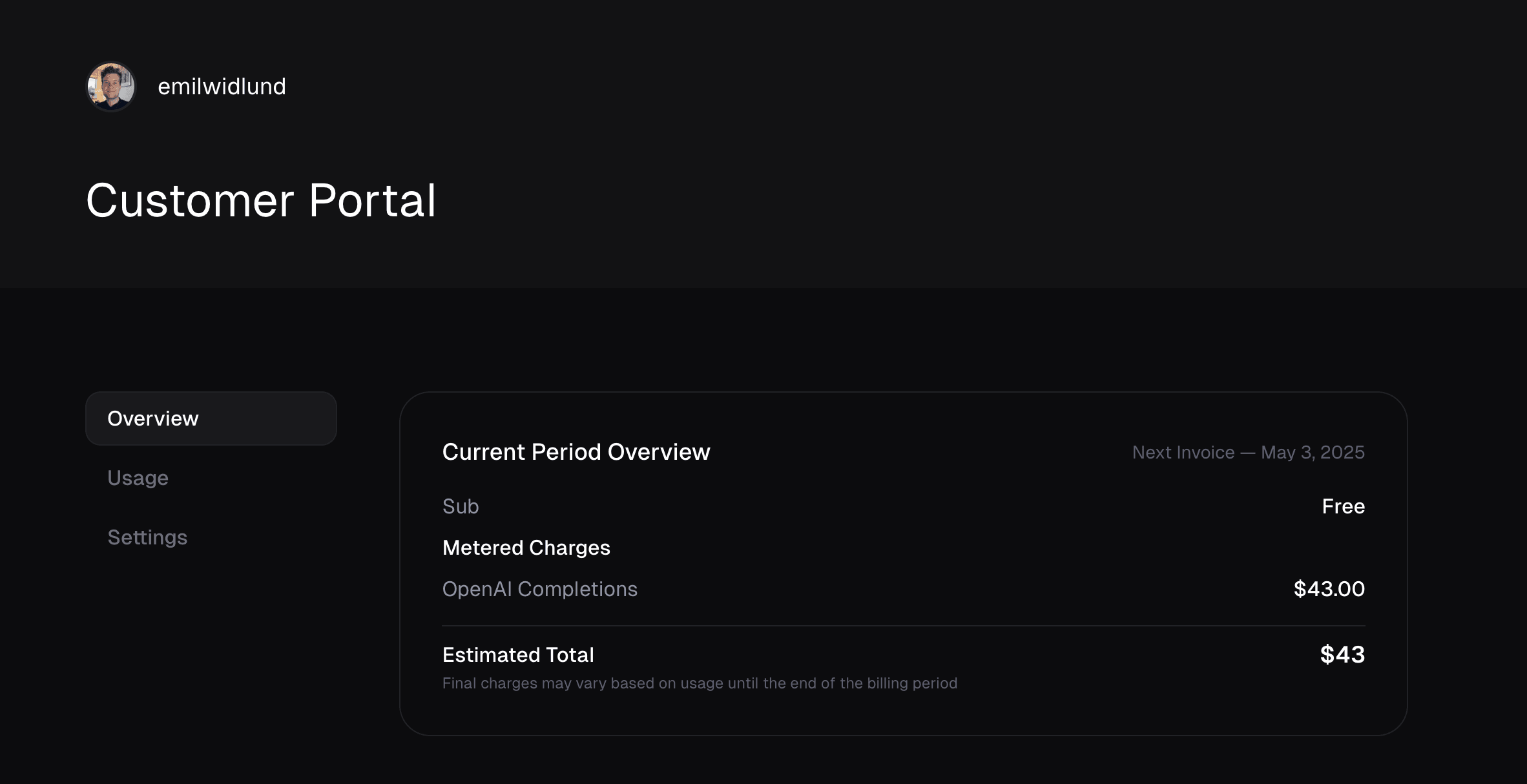
Customers can view their estimated charges for each meter in the Customer Portal.
Optionally, you can set a **cap**. The customer will be charged the cap amount if they exceed it, regardless of the usage.
### Monthly Invoicing
If a customer has a subscription with a monthly billing period, usage is aggregated monthly and invoiced at the end of the month with the rest of the subscription.
### Yearly Invoicing
If a customer has a subscription with a yearly billing period, usage is aggregated yearly and invoiced at the end of the year with the rest of the subscription.
### Usage Charges and Subscription Cancellation
When a subscription is canceled, it generally remains active until the end of the current billing period (known as the grace period). During this grace period, all accumulated usage-based charges continue to be tracked. A final invoice will be issued at the end of that period to cover the consumed usage, even if the subscription will not be renewed. This ensures no pending usage charges are lost.
If a [discount](/features/discounts) is applied on the subscription, it'll be
applied on the **whole invoice**, including metered usage.
## Customer Portal
Customers can view their estimated charges for each meter in the Customer Portal.