> ## Documentation Index
> Fetch the complete documentation index at: https://polar.sh/docs/llms.txt
> Use this file to discover all available pages before exploring further.
# Customer Management
> Get insights on your customers and sales
 ## Managing Customers
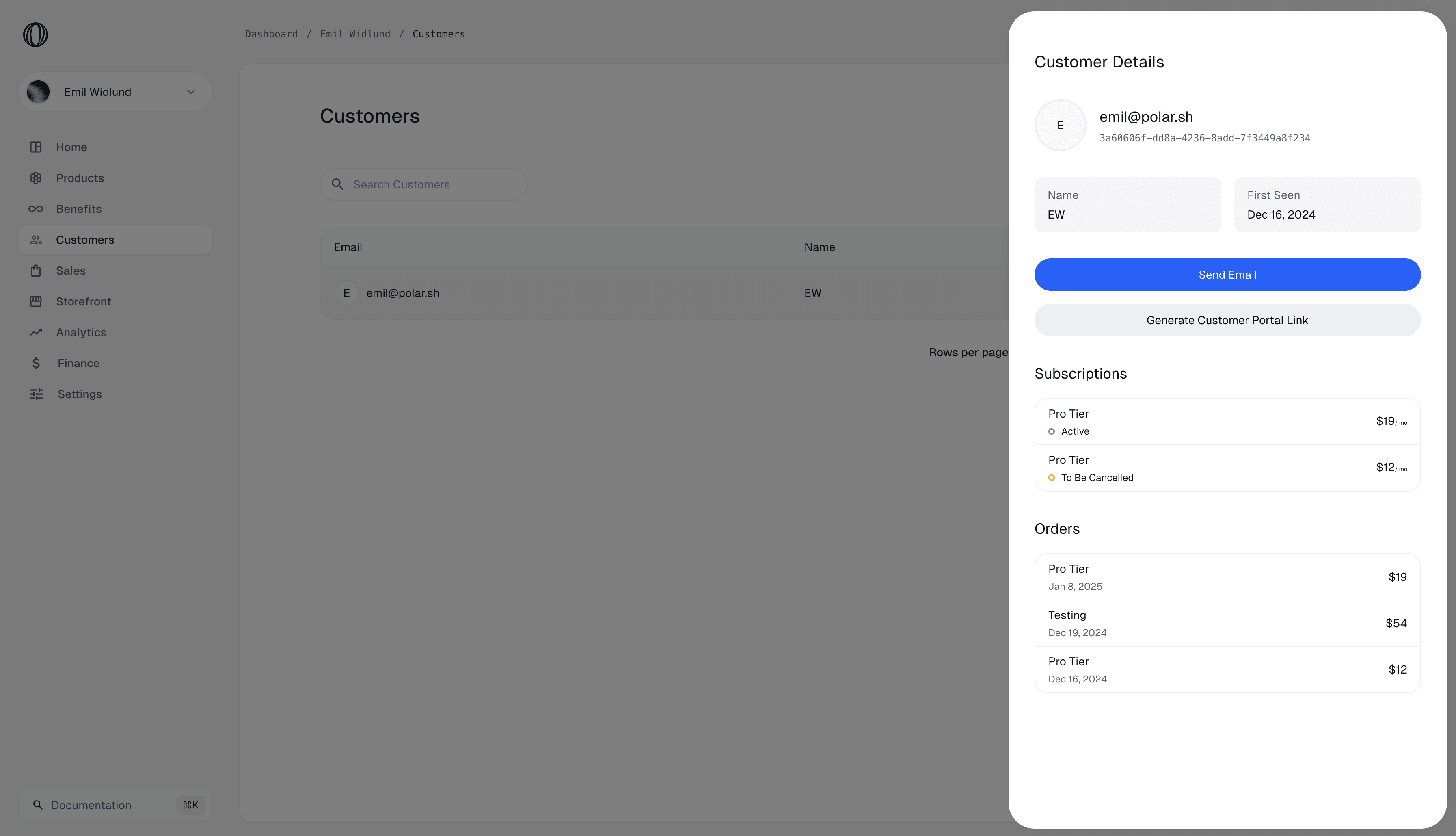
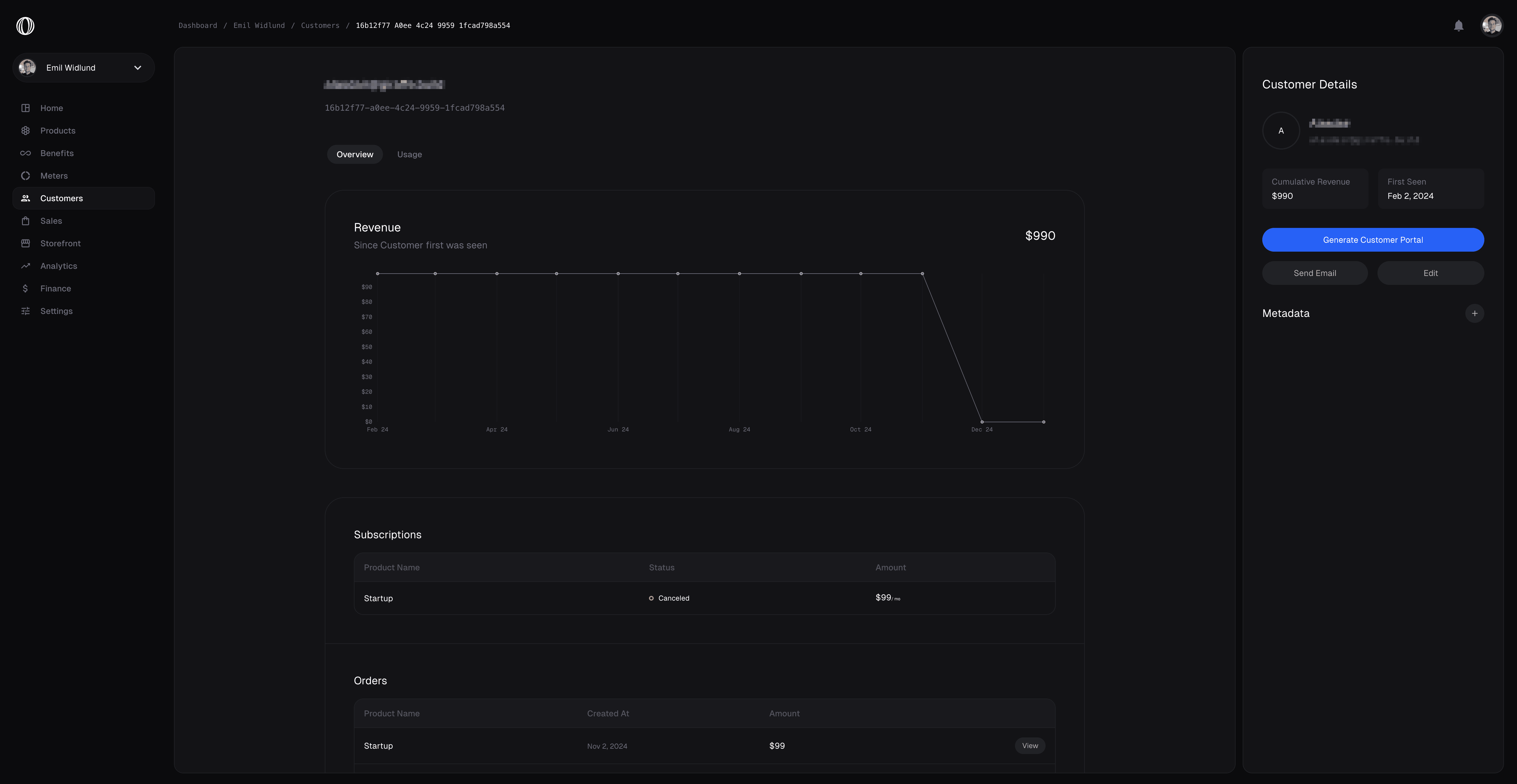
Polar has a built in feature to view and manage your Customers.
Everyone who has ever purchased something from you will be recorded as a Customer to your Organization. You’re able to see past orders and their ongoing subscriptions, as well as some additional metrics.
## External ID
Quite often, you'll have our own users management system in your application, where your customer already have an ID. To ease reconciliation between Polar and your system, we have a dedicated [`external_id`](/api-reference/customers/get-external#response-external-id) field on Customers. It's unique across your organization and can't be changed once set.
We have dedicated API endpoints that work with the `external_id` field, so you don't even have to store the internal Polar ID in your system.
## Metadata
You may set additional metadata on Customers. This can be very useful to store additional data about your customer you want to be available through our API and webhooks.
## Managing Customers
Polar has a built in feature to view and manage your Customers.
Everyone who has ever purchased something from you will be recorded as a Customer to your Organization. You’re able to see past orders and their ongoing subscriptions, as well as some additional metrics.
## External ID
Quite often, you'll have our own users management system in your application, where your customer already have an ID. To ease reconciliation between Polar and your system, we have a dedicated [`external_id`](/api-reference/customers/get-external#response-external-id) field on Customers. It's unique across your organization and can't be changed once set.
We have dedicated API endpoints that work with the `external_id` field, so you don't even have to store the internal Polar ID in your system.
## Metadata
You may set additional metadata on Customers. This can be very useful to store additional data about your customer you want to be available through our API and webhooks.
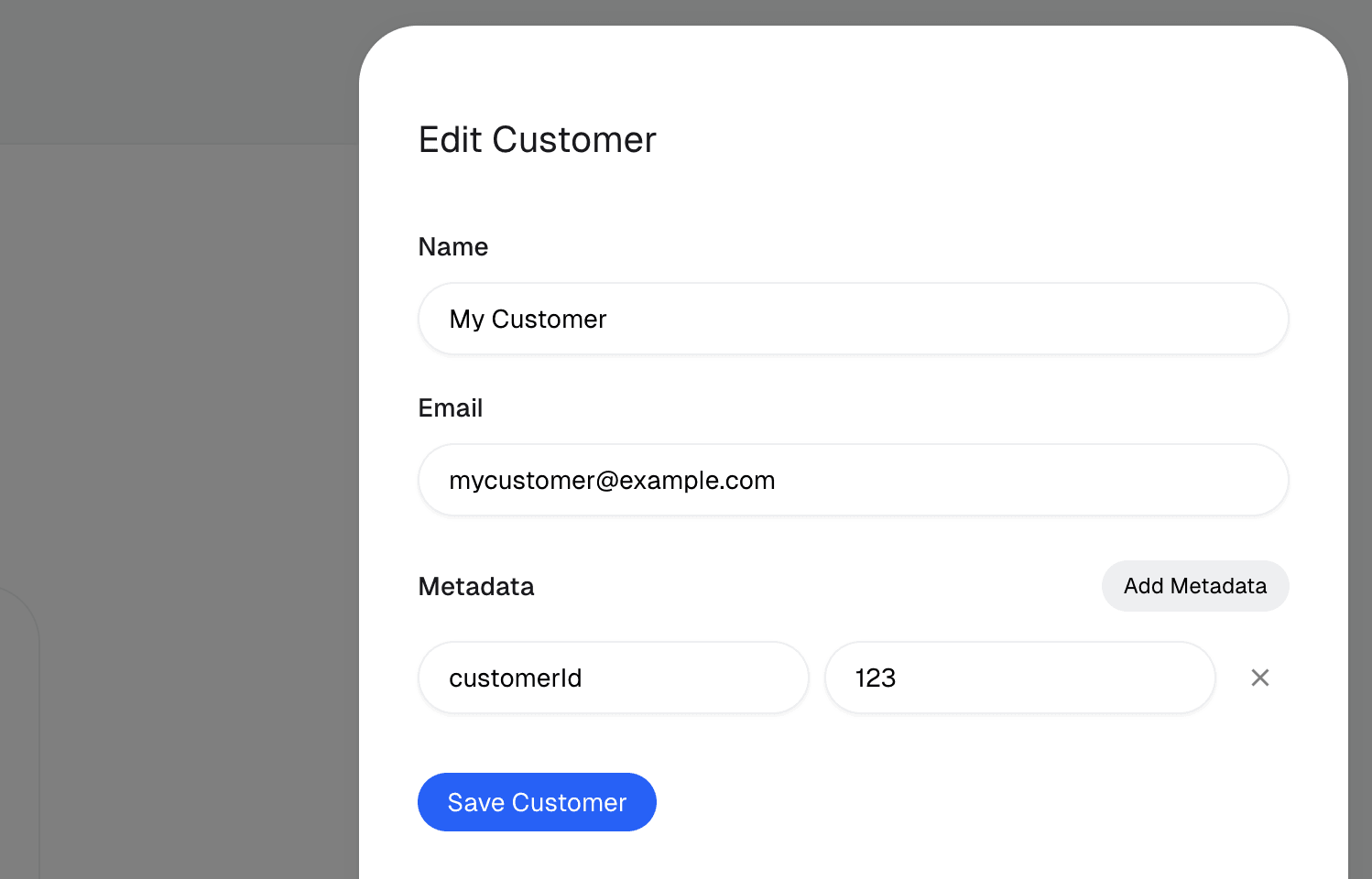
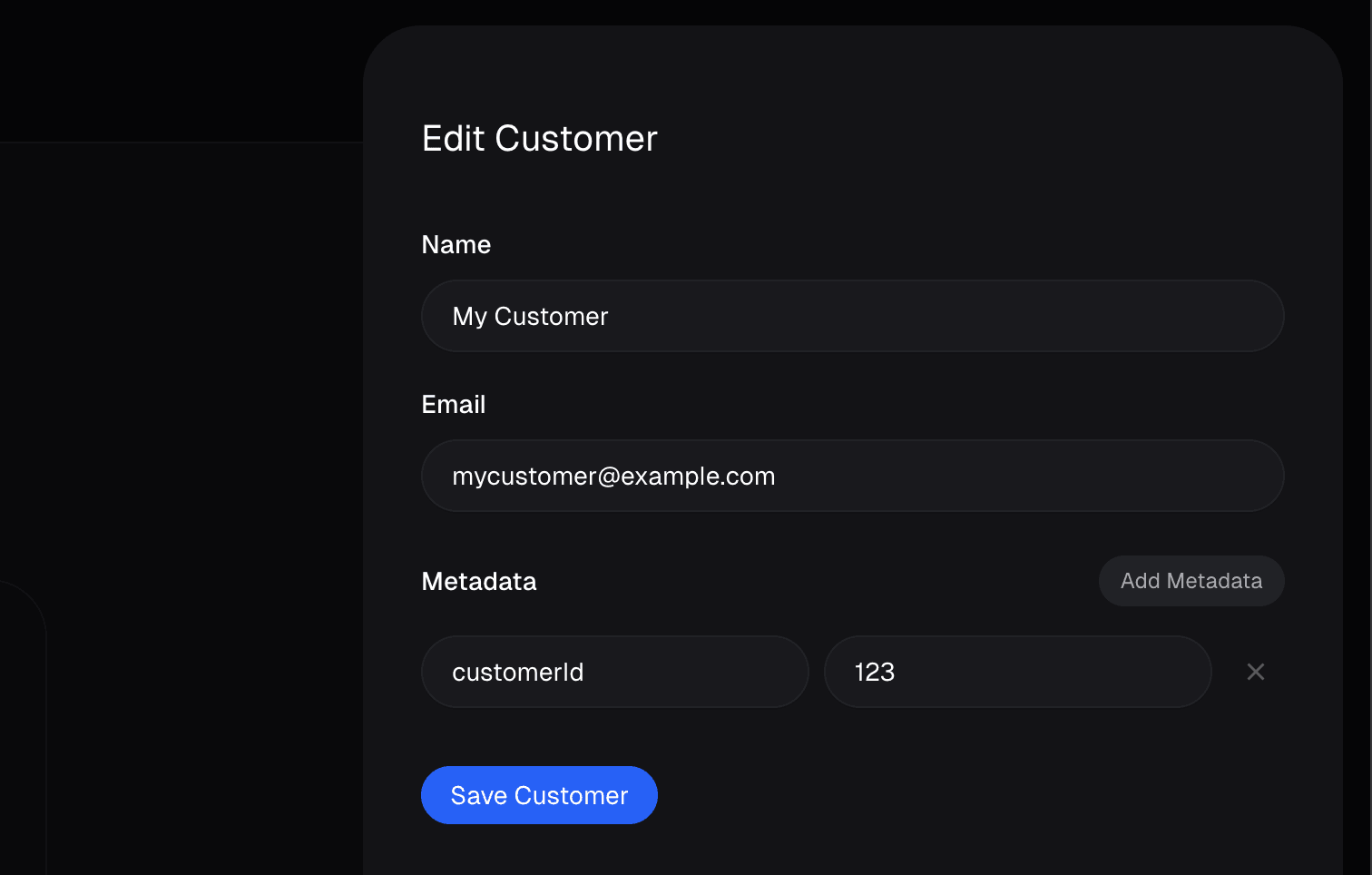 It can be set through the dashboard or through the [API](/api-reference/customers/update#body-metadata). It can also be pre-set when creating a Checkout Session by using the [`customer_metadata`](/api-reference/checkouts/create-session#body-customer-metadata) field. This way, after a successful checkout, the metadata will automatically be set on the newly created Customer.