> ## Documentation Index
> Fetch the complete documentation index at: https://polar.sh/docs/llms.txt
> Use this file to discover all available pages before exploring further.
# Introduction to Cost Insights
> Track costs, profits, and customer lifetime value with event-based cost tracking
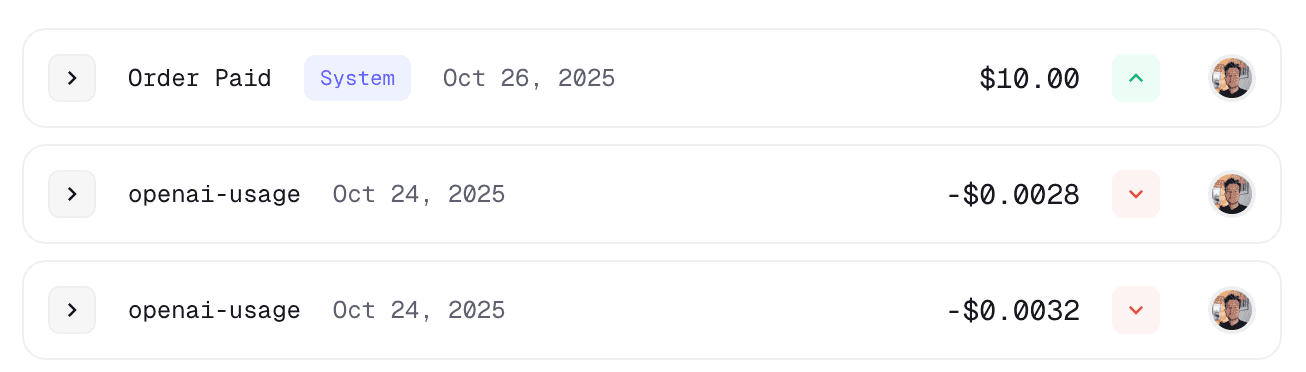
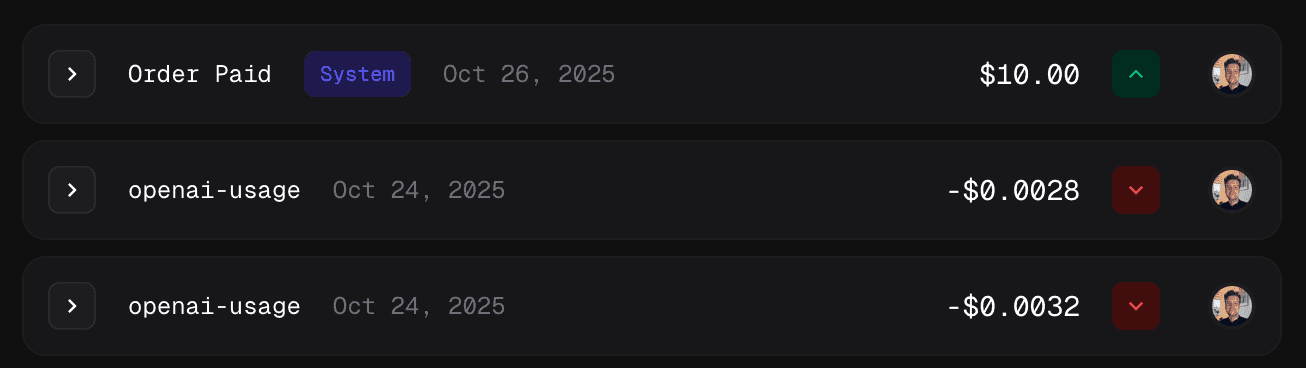 Cost Insights is a powerful feature that enables you to calculate business-centric metrics like Costs, Profits, and Customer Lifetime Value (LTV) by annotating your events with cost data.
Cost Insights is currently in beta. You may enable it in your organization
settings.
## Overview
While Polar automatically tracks revenue from orders and subscriptions, Cost Insights allows you to track the costs associated with delivering your product or service. By combining revenue and cost data, you can gain deep insights into profitability on a per-customer basis.
## How It Works
Cost Insights works in three simple steps:
1. **Ingest events with cost data**: Add a `_cost` property to events metadata when ingesting them through Polar's Event Ingestion API
2. **Automatic aggregation**: Polar automatically aggregates costs alongside your revenue data
3. **Query and analyze**: Use the Metrics API, or the Polar Dashboard to retrieve costs, profits, and customer LTV
### Quick Example
```json theme={null}
{
"events": [
{
"name": "llm.inference",
"external_customer_id": "user_123",
"metadata": {
"_cost": {
"amount": 0.025, // $0.00025 in cents
"currency": "usd"
}
}
}
]
}
```
## Common Use Cases
* **AI/LLM Applications**: Track the cost of API calls to OpenAI, Anthropic, or other LLM providers
* **Infrastructure Costs**: Monitor compute, storage, or bandwidth costs per customer
* **Third-Party Services**: Track costs from email providers, SMS gateways, or other external services
* **Customer Profitability**: Calculate profit margins and LTV for each customer
## Documentation
Learn how to track costs by adding the `_cost` property to your events
metadata
Query and analyze costs, profits, and customer lifetime value
Cost Insights is a powerful feature that enables you to calculate business-centric metrics like Costs, Profits, and Customer Lifetime Value (LTV) by annotating your events with cost data.
Cost Insights is currently in beta. You may enable it in your organization
settings.
## Overview
While Polar automatically tracks revenue from orders and subscriptions, Cost Insights allows you to track the costs associated with delivering your product or service. By combining revenue and cost data, you can gain deep insights into profitability on a per-customer basis.
## How It Works
Cost Insights works in three simple steps:
1. **Ingest events with cost data**: Add a `_cost` property to events metadata when ingesting them through Polar's Event Ingestion API
2. **Automatic aggregation**: Polar automatically aggregates costs alongside your revenue data
3. **Query and analyze**: Use the Metrics API, or the Polar Dashboard to retrieve costs, profits, and customer LTV
### Quick Example
```json theme={null}
{
"events": [
{
"name": "llm.inference",
"external_customer_id": "user_123",
"metadata": {
"_cost": {
"amount": 0.025, // $0.00025 in cents
"currency": "usd"
}
}
}
]
}
```
## Common Use Cases
* **AI/LLM Applications**: Track the cost of API calls to OpenAI, Anthropic, or other LLM providers
* **Infrastructure Costs**: Monitor compute, storage, or bandwidth costs per customer
* **Third-Party Services**: Track costs from email providers, SMS gateways, or other external services
* **Customer Profitability**: Calculate profit margins and LTV for each customer
## Documentation
Learn how to track costs by adding the `_cost` property to your events
metadata
Query and analyze costs, profits, and customer lifetime value