> ## Documentation Index
> Fetch the complete documentation index at: https://polar.sh/docs/llms.txt
> Use this file to discover all available pages before exploring further.
# Automate Customer License Key Management
> Sell license key access to your service, software or APIs with ease
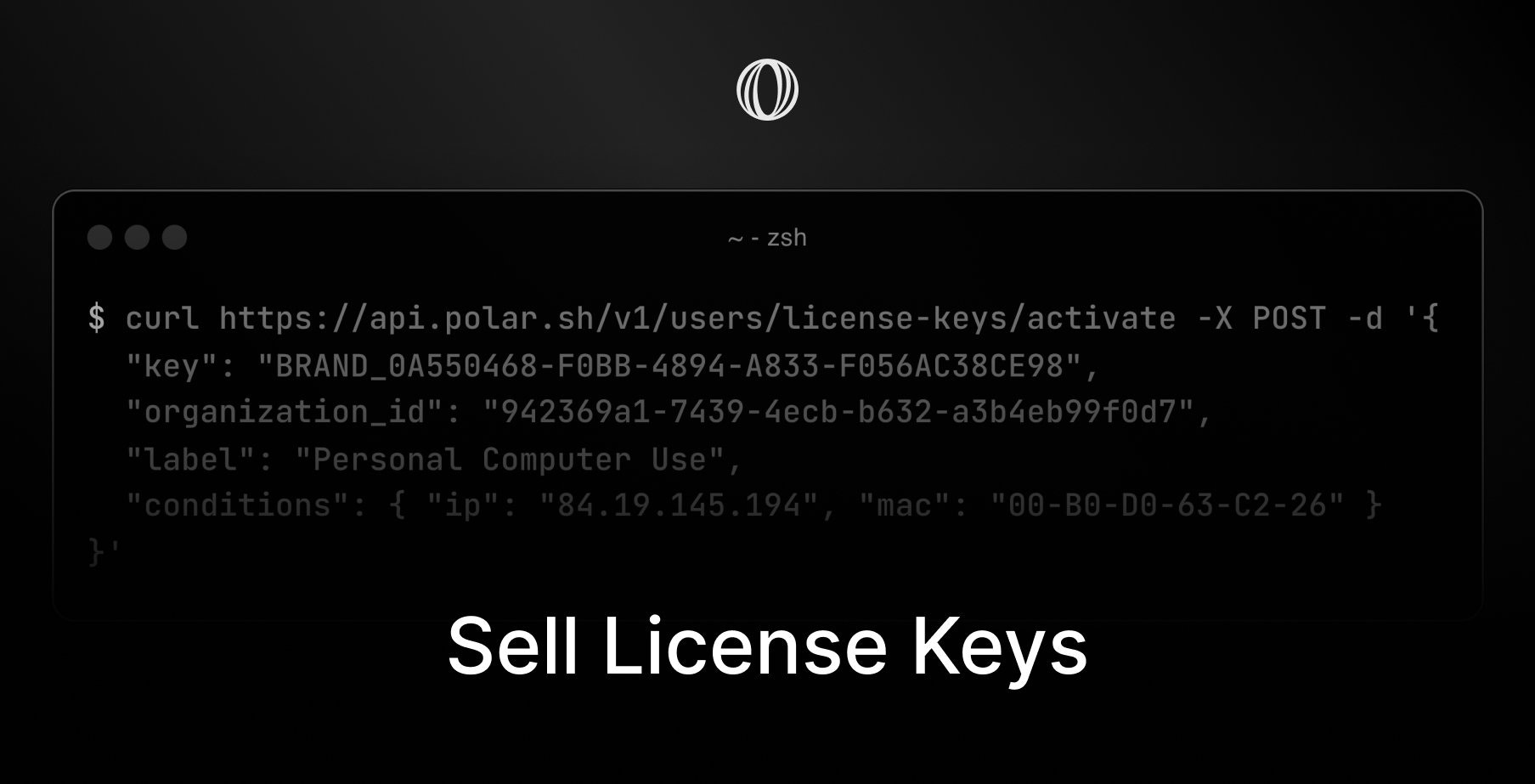 You can easily sell software license keys with Polar without having to deal with sales tax or hosting an API to validate them in real-time. License keys with Polar come with a lot of powerful features built-in.
* Brandable prefixes, e.g `POLAR_*****`
* Automatic expiration after `N` days, months or years
* Limited number of user activations, e.g devices
* Custom validation conditions
* Usage quotas per license key
* Automatic revokation upon cancelled subscriptions
## Create License Key Benefit
1. Go to [`Benefits`](https://polar.sh/to/dashboard/products/benefits)
2. Click `+ New Benefit` to create a new benefit
3. Choose `License Keys` as the `Type`
### Custom Branding
Make your license keys standout with brandable prefixes, e.g `MYAPP_`
### Automatic Expiration
Want license keys to expire automatically after a certain time period from when the customer bought them? No problem.
### Activation Limits
You can require license keys to be activated before future validation. A great feature in case you want to limit license key usage to a certain number of devices, IPs or other conditions.
**Enable user to deactivate instances via Polar.** Instead of building your own custom admin for customers to manage their activation instances - leave it to Polar instead.
### Usage Limit
Offering OpenAI tokens or anything else with a variable usage cost? You can set a custom usage quota per license key and increment usage upon validation.
## Customer Experience
Once customers buy your product or subscribes to your tier, they will automatically receive a unique license key. It's easily accessible to them under their purchases page.
Customers can:
* View & copy their license key
* See expiration date (if applicable)
* See usage left (if applicable)
* Deactivate activations (if enabled)
## Integrate API
It's super easy and straightforward to integrate Polar license keys into your application, library or API.
### Activate License Keys (Optional)
In case you've setup license keys to have a maximum amount of activation instances, e.g user devices. You'll then need to create an activation instance prior to validating license keys / activation.
**No activation limit?** You can skip this step.
```bash Terminal theme={null}
curl -X POST https://api.polar.sh/v1/customer-portal/license-keys/activate
-H "Content-Type: application/json"
-d '{
"key": "1C285B2D-6CE6-4BC7-B8BE-ADB6A7E304DA",
"organization_id": "fda84e25-7b55-4d67-916d-60ead04ff61f",
"label": "hello",
"conditions": { "major_version": 1 },
"meta": { "ip": "84.19.145.194" }
}'
```
Replace with the users license key (from input in your app).
Replace with your organization ID here found in your settings.
Set a label to associate with this specific activation.
JSON object with custom conditions to validate against in the future, e.g IP, mac address, major version etc.
JSON object with metadata to store for the users activation.
#### **Response (200 OK)**
```json theme={null}
{
"id": "b6724bc8-7ad9-4ca0-b143-7c896fcbb6fe",
"license_key_id": "508176f7-065a-4b5d-b524-4e9c8a11ed63",
"label": "hello",
"meta": {
"ip": "84.19.145.194"
},
"created_at": "2024-09-02T13:48:13.251621Z",
"modified_at": null,
"license_key": {
"id": "508176f7-065a-4b5d-b524-4e9c8a11ed63",
"organization_id": "fda84e25-7b55-4d67-916d-60ead04ff61f",
"user_id": "d910050c-be66-4ca0-b4cc-34fde514f227",
"benefit_id": "32a8eda4-56cf-4a94-8228-792d324a519e",
"key": "1C285B2D-6CE6-4BC7-B8BE-ADB6A7E304DA",
"display_key": "****-E304DA",
"status": "granted",
"limit_activations": 3,
"usage": 0,
"limit_usage": 100,
"validations": 0,
"last_validated_at": null,
"expires_at": "2026-08-30T08:40:34.769148Z"
}
}
```
### Validate License Keys
For each session of your premium app, library or API, we recommend you validate the users license key via the
[`/v1/customer-portal/license-keys/validate`](/api-reference/customer-portal/license-keys/validate) endpoint.
```bash Terminal theme={null}
curl -X POST https://api.polar.sh/v1/customer-portal/license-keys/validate
-H "Content-Type: application/json"
-d '{
"key": "1C285B2D-6CE6-4BC7-B8BE-ADB6A7E304DA",
"organization_id": "fda84e25-7b55-4d67-916d-60ead04ff61f",
"activation_id": "b6724bc8-7ad9-4ca0-b143-7c896fcbb6fe",
"conditions": { "major_version": 1 },
"increment_usage": 15
}'
```
Replace with the users license key (from input in your app).
Replace with your organization ID here found in your settings.
The activation ID to validate - required in case activations limit is enabled and used (above).
In case of activation instances. Same exact JSON object as upon registration of the activation.
In case you want to increment usage upon validation.
#### **Response (200 OK)**
```json theme={null}
{
"id": "508176f7-065a-4b5d-b524-4e9c8a11ed63",
"organization_id": "fda84e25-7b55-4d67-916d-60ead04ff61f",
"user_id": "d910050c-be66-4ca0-b4cc-34fde514f227",
"benefit_id": "32a8eda4-56cf-4a94-8228-792d324a519e",
"key": "1C285B2D-6CE6-4BC7-B8BE-ADB6A7E304DA",
"display_key": "****-E304DA",
"status": "granted",
"limit_activations": 3,
"usage": 15,
"limit_usage": 100,
"validations": 5,
"last_validated_at": "2024-09-02T13:57:00.977363Z",
"expires_at": "2026-08-30T08:40:34.769148Z",
"activation": {
"id": "b6724bc8-7ad9-4ca0-b143-7c896fcbb6fe",
"license_key_id": "508176f7-065a-4b5d-b524-4e9c8a11ed63",
"label": "hello",
"meta": {
"ip": "84.19.145.194"
},
"created_at": "2024-09-02T13:48:13.251621Z",
"modified_at": null
}
}
```
Validate `benefit_id` in case of multiple license keys
We require `organization_id` to be provided to avoid cases of Polar license keys being used across Polar organizations erroneously. Otherwise, a valid license key for one organization could be used on another.However, you are required to validate and scope license keys more narrowly within your organization if necessary. Offering more than one type of license key? Be sure to validate their unique benefit\_id in the responses.
You can easily sell software license keys with Polar without having to deal with sales tax or hosting an API to validate them in real-time. License keys with Polar come with a lot of powerful features built-in.
* Brandable prefixes, e.g `POLAR_*****`
* Automatic expiration after `N` days, months or years
* Limited number of user activations, e.g devices
* Custom validation conditions
* Usage quotas per license key
* Automatic revokation upon cancelled subscriptions
## Create License Key Benefit
1. Go to [`Benefits`](https://polar.sh/to/dashboard/products/benefits)
2. Click `+ New Benefit` to create a new benefit
3. Choose `License Keys` as the `Type`
### Custom Branding
Make your license keys standout with brandable prefixes, e.g `MYAPP_`
### Automatic Expiration
Want license keys to expire automatically after a certain time period from when the customer bought them? No problem.
### Activation Limits
You can require license keys to be activated before future validation. A great feature in case you want to limit license key usage to a certain number of devices, IPs or other conditions.
**Enable user to deactivate instances via Polar.** Instead of building your own custom admin for customers to manage their activation instances - leave it to Polar instead.
### Usage Limit
Offering OpenAI tokens or anything else with a variable usage cost? You can set a custom usage quota per license key and increment usage upon validation.
## Customer Experience
Once customers buy your product or subscribes to your tier, they will automatically receive a unique license key. It's easily accessible to them under their purchases page.
Customers can:
* View & copy their license key
* See expiration date (if applicable)
* See usage left (if applicable)
* Deactivate activations (if enabled)
## Integrate API
It's super easy and straightforward to integrate Polar license keys into your application, library or API.
### Activate License Keys (Optional)
In case you've setup license keys to have a maximum amount of activation instances, e.g user devices. You'll then need to create an activation instance prior to validating license keys / activation.
**No activation limit?** You can skip this step.
```bash Terminal theme={null}
curl -X POST https://api.polar.sh/v1/customer-portal/license-keys/activate
-H "Content-Type: application/json"
-d '{
"key": "1C285B2D-6CE6-4BC7-B8BE-ADB6A7E304DA",
"organization_id": "fda84e25-7b55-4d67-916d-60ead04ff61f",
"label": "hello",
"conditions": { "major_version": 1 },
"meta": { "ip": "84.19.145.194" }
}'
```
Replace with the users license key (from input in your app).
Replace with your organization ID here found in your settings.
Set a label to associate with this specific activation.
JSON object with custom conditions to validate against in the future, e.g IP, mac address, major version etc.
JSON object with metadata to store for the users activation.
#### **Response (200 OK)**
```json theme={null}
{
"id": "b6724bc8-7ad9-4ca0-b143-7c896fcbb6fe",
"license_key_id": "508176f7-065a-4b5d-b524-4e9c8a11ed63",
"label": "hello",
"meta": {
"ip": "84.19.145.194"
},
"created_at": "2024-09-02T13:48:13.251621Z",
"modified_at": null,
"license_key": {
"id": "508176f7-065a-4b5d-b524-4e9c8a11ed63",
"organization_id": "fda84e25-7b55-4d67-916d-60ead04ff61f",
"user_id": "d910050c-be66-4ca0-b4cc-34fde514f227",
"benefit_id": "32a8eda4-56cf-4a94-8228-792d324a519e",
"key": "1C285B2D-6CE6-4BC7-B8BE-ADB6A7E304DA",
"display_key": "****-E304DA",
"status": "granted",
"limit_activations": 3,
"usage": 0,
"limit_usage": 100,
"validations": 0,
"last_validated_at": null,
"expires_at": "2026-08-30T08:40:34.769148Z"
}
}
```
### Validate License Keys
For each session of your premium app, library or API, we recommend you validate the users license key via the
[`/v1/customer-portal/license-keys/validate`](/api-reference/customer-portal/license-keys/validate) endpoint.
```bash Terminal theme={null}
curl -X POST https://api.polar.sh/v1/customer-portal/license-keys/validate
-H "Content-Type: application/json"
-d '{
"key": "1C285B2D-6CE6-4BC7-B8BE-ADB6A7E304DA",
"organization_id": "fda84e25-7b55-4d67-916d-60ead04ff61f",
"activation_id": "b6724bc8-7ad9-4ca0-b143-7c896fcbb6fe",
"conditions": { "major_version": 1 },
"increment_usage": 15
}'
```
Replace with the users license key (from input in your app).
Replace with your organization ID here found in your settings.
The activation ID to validate - required in case activations limit is enabled and used (above).
In case of activation instances. Same exact JSON object as upon registration of the activation.
In case you want to increment usage upon validation.
#### **Response (200 OK)**
```json theme={null}
{
"id": "508176f7-065a-4b5d-b524-4e9c8a11ed63",
"organization_id": "fda84e25-7b55-4d67-916d-60ead04ff61f",
"user_id": "d910050c-be66-4ca0-b4cc-34fde514f227",
"benefit_id": "32a8eda4-56cf-4a94-8228-792d324a519e",
"key": "1C285B2D-6CE6-4BC7-B8BE-ADB6A7E304DA",
"display_key": "****-E304DA",
"status": "granted",
"limit_activations": 3,
"usage": 15,
"limit_usage": 100,
"validations": 5,
"last_validated_at": "2024-09-02T13:57:00.977363Z",
"expires_at": "2026-08-30T08:40:34.769148Z",
"activation": {
"id": "b6724bc8-7ad9-4ca0-b143-7c896fcbb6fe",
"license_key_id": "508176f7-065a-4b5d-b524-4e9c8a11ed63",
"label": "hello",
"meta": {
"ip": "84.19.145.194"
},
"created_at": "2024-09-02T13:48:13.251621Z",
"modified_at": null
}
}
```
Validate `benefit_id` in case of multiple license keys
We require `organization_id` to be provided to avoid cases of Polar license keys being used across Polar organizations erroneously. Otherwise, a valid license key for one organization could be used on another.However, you are required to validate and scope license keys more narrowly within your organization if necessary. Offering more than one type of license key? Be sure to validate their unique benefit\_id in the responses.